Sell season passes
One pass gets one person into every game in a season. The price drops as games are played.
Group your games into a season and sell one pass per person that works at every game. Buyers pay online; passes aren’t sold at the gate.
Set up a season
- On your dashboard, tap Season passes (owners and admins).
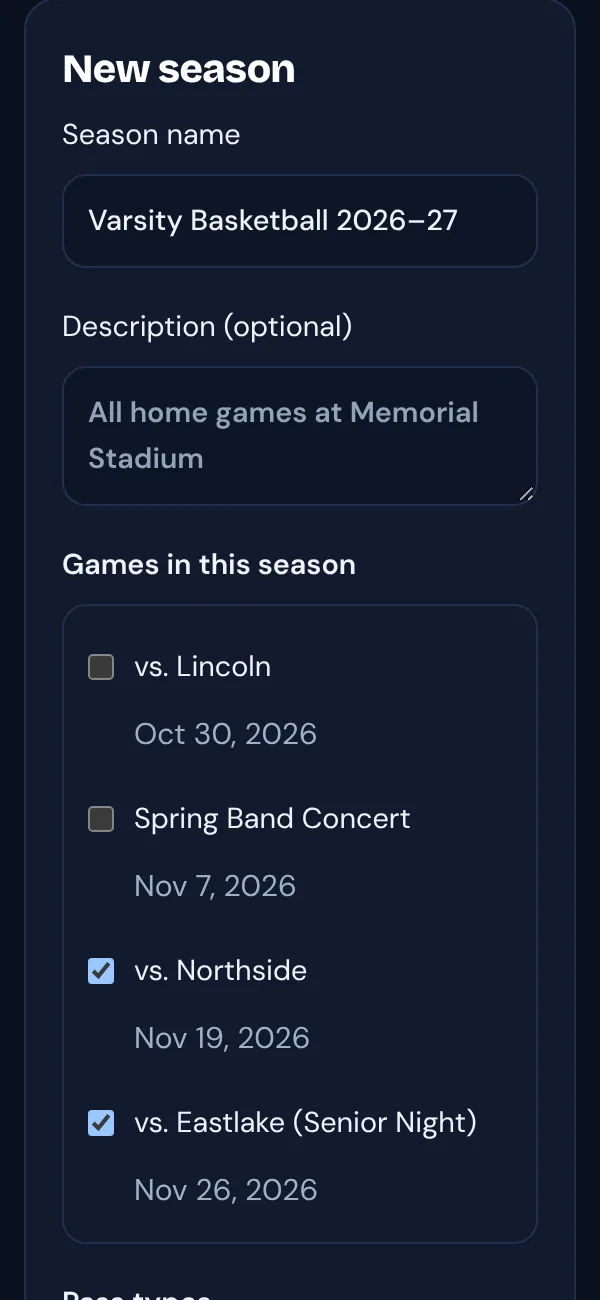
- Tap New season, give it a name, and tick the games it includes.
- Add one or more pass types with their full-season price, for example Adult $60 and Student $30. A limit on how many can be sold is optional.
- Choose whether buyers pay the TixFlo and card fees, then tap Save season. It’s saved as a draft.
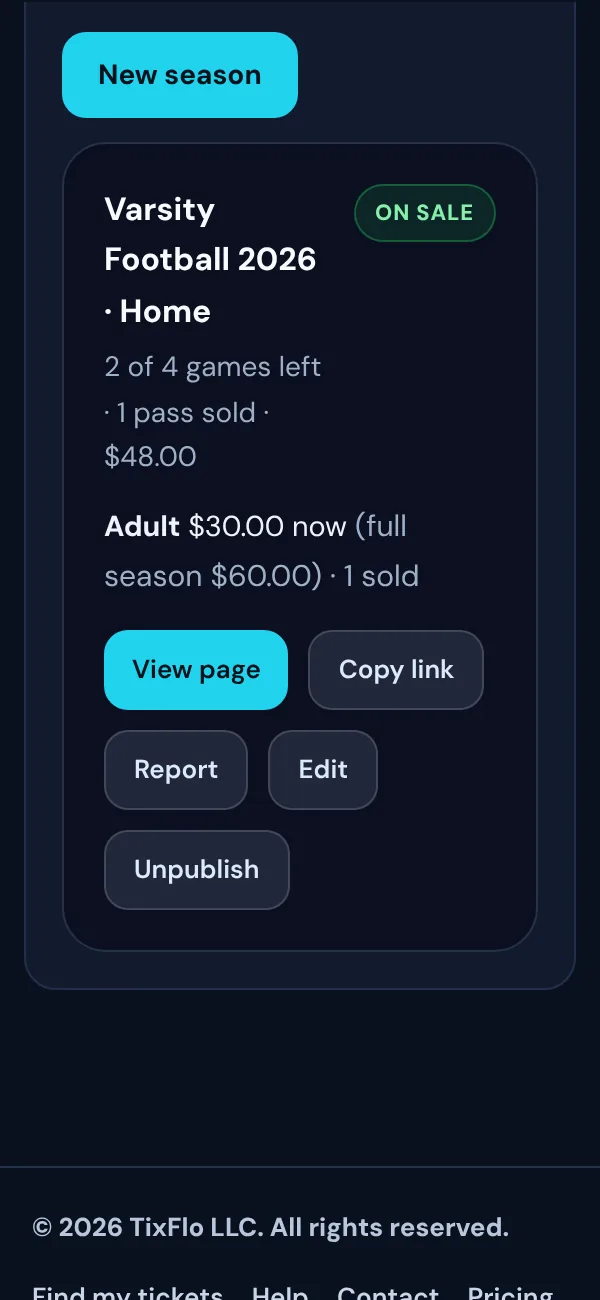
- Tap Publish. The season page goes live and each game’s ticket page shows a “Save with a season pass” link. Use Copy link to share it, or point a reusable QR code at it.
How passes work
- Each pass gets one person into each game in the season, once per game. A family buys one pass per person; each pass has its own QR code.
- Passes cover the games that hadn’t started when they were bought. A game that’s already under way isn’t included.
- Gate staff scan passes like tickets: in the Game Day app, on a scanner link or in the Admin scanner. A second scan at the same game shows Already scanned.
- Passes show up in the Game Day Look up tab by the buyer’s email, where staff can resend them. Buyers can also get them from Find my tickets.
Price and fees
The price drops in equal steps as games start: full price × games left ÷ games in the season, to the cent. A $60 pass for 4 games costs $45 after the first game and $30 after the second. Sales stop when the last game starts.
The TixFlo fee is charged per game: your per-ticket fee × the games left, for each pass. Canceled games don’t count.
Changes during the season
- You can add or remove games at any time with Edit. Pass holders get into games you add, at no extra charge, and can no longer use their pass at games you remove.
- Canceled games show as Canceled on the season and pass pages. Passes aren’t refunded for canceled or rescheduled games: buyers see “Games may change” before they pay.
- Unpublish stops sales. Passes already sold keep working.
- A season with orders can’t be deleted.
Report
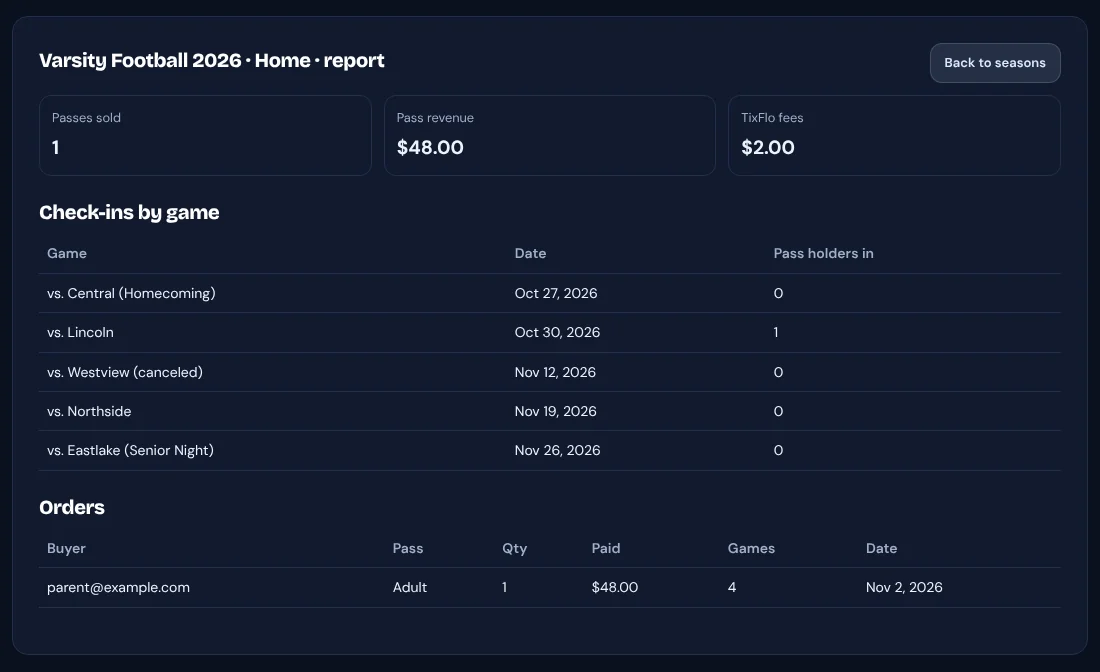
Tap Report on a season to see passes sold, pass revenue, TixFlo fees, how many pass holders came to each game, and every order.
Good to know: Season passes can’t be refunded from TixFlo yet. If you refund a pass in Square, the pass stops working. Organizations using Stripe Tax can’t sell season passes yet.