Cancel, postpone or reschedule an event
Move the date and keep tickets valid, or cancel and refund everyone. Ticket holders are emailed either way.
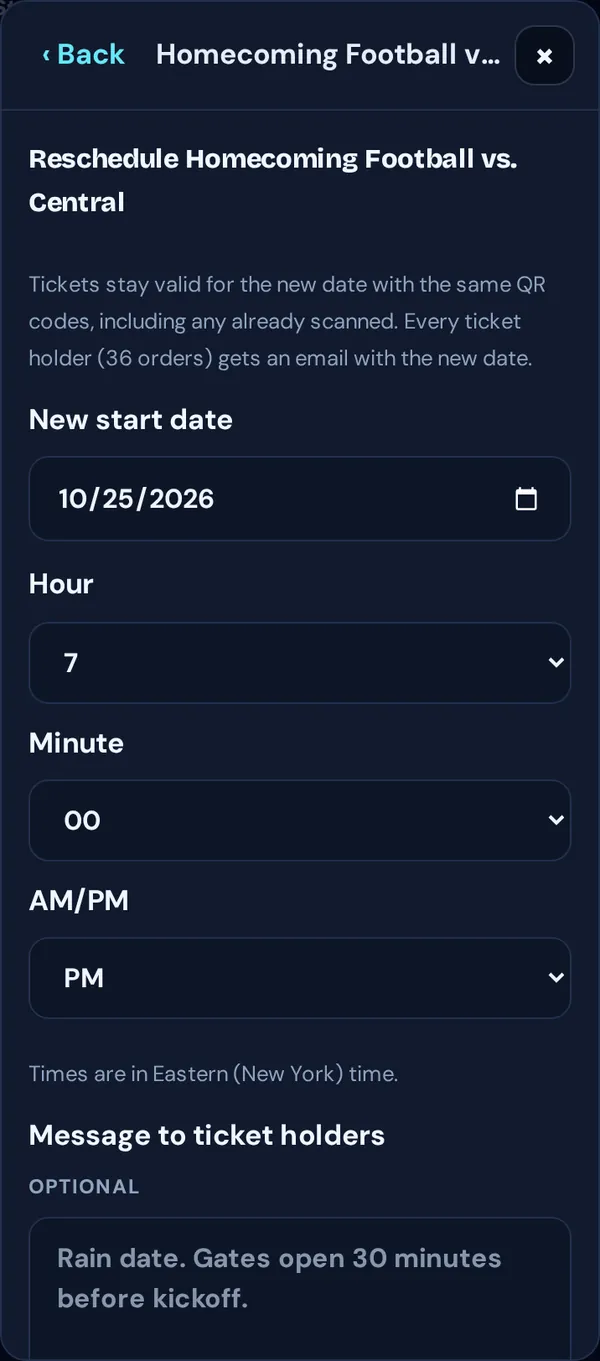
Reschedule (tickets stay valid)
- Tap Manage → Event settings → Reschedule event.
- Pick the new start date and time. Add a Message to ticket holders if you like, such as “Gates open 30 minutes before kickoff.”
- Tap Reschedule, then Yes, move it and email everyone.
Everyone keeps the same tickets and QR codes. Tickets already scanned work again on the new date.
Cancel
- Tap Manage → Event settings → Cancel event.
- Choose Refund everyone now (recommended) or Let buyers request refunds (only works if your refund policy allows refunds).
- Add a message if you like, tap Cancel and refund everyone (or Cancel event), then confirm with Yes, cancel and email everyone.
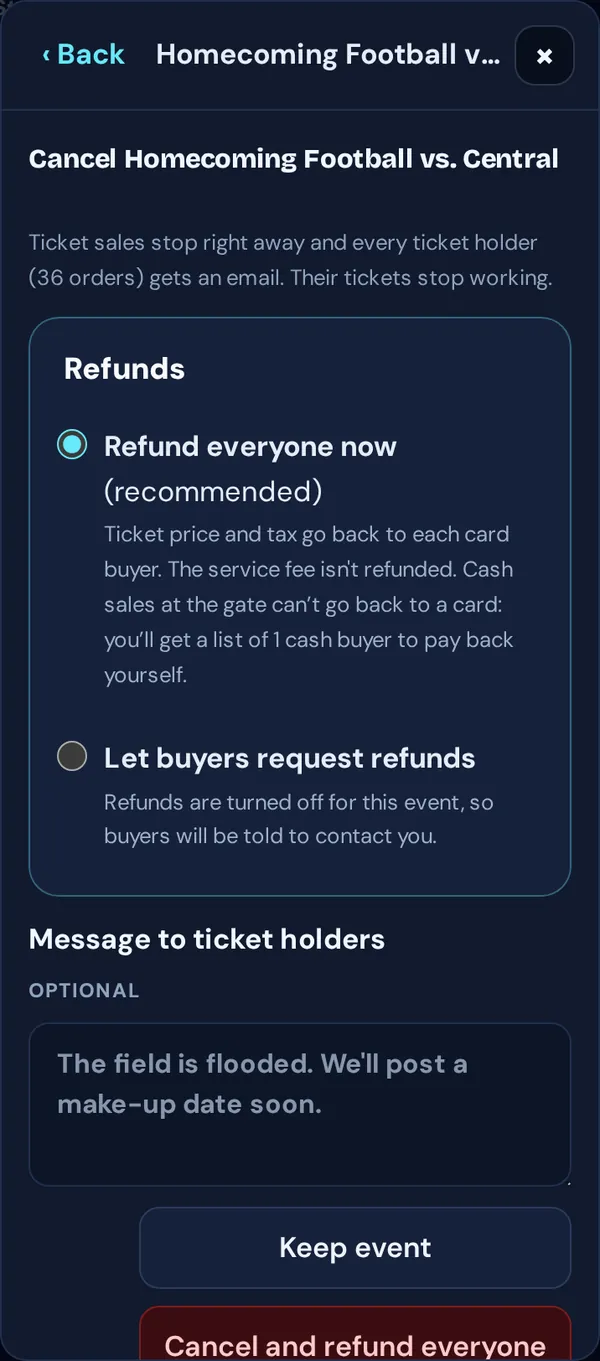
Sales stop right away and tickets stop working. Keep the page open while TixFlo emails everyone. If it stops partway, tap Continue sending.
Good to know: Refunds return the ticket price and tax to each card buyer; the service fee isn’t refunded. Cash sales from the gate can’t go back to a card, so you get a list of cash buyers to pay back yourself. Tap Mark paid back as you go.
Delete
Event settings → Delete event only works for events with no orders at all (even an unfinished checkout counts). Otherwise, cancel instead.