Publish your event and share it
Go live, copy the buyer link, and print a QR code poster that sells tickets.
- In your events list, tap Publish on the draft. It’s live right away, and buyers can see it and buy.
- Tap the link icon next to the event (or Manage → Copy customer page link) and paste the link into texts, emails, social posts and team apps.
- For posters and the gate, tap Manage → Download purchase QR. You get a ready-to-print image with the event name, “Scan to buy tickets” and a QR code.
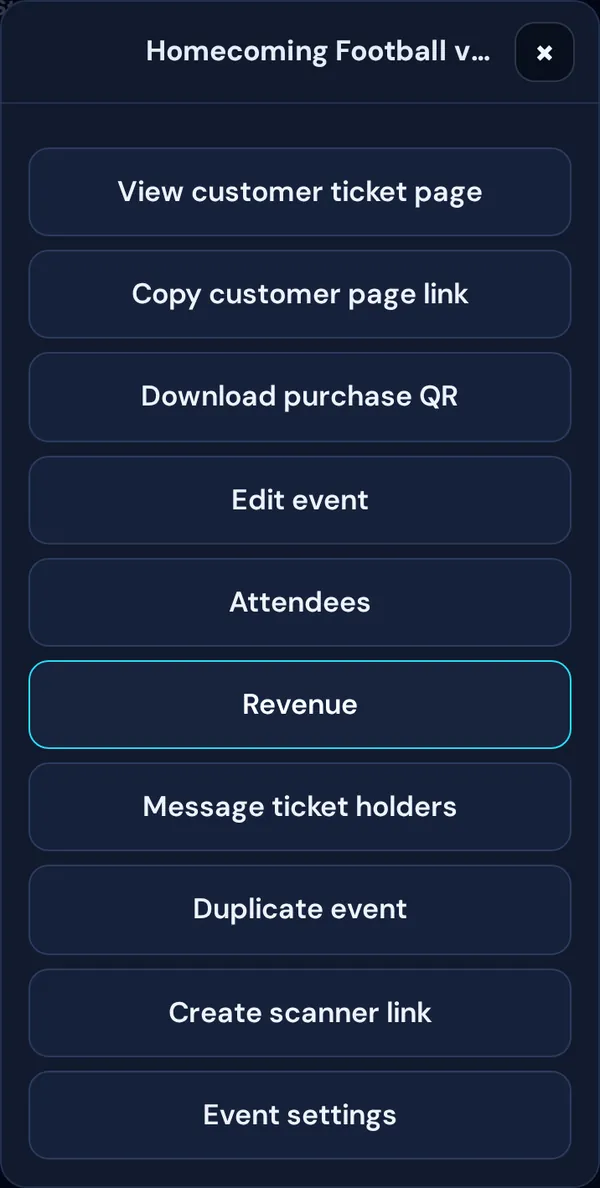
View customer ticket page shows exactly what buyers see.
One QR code for every event
Printing signs for the season? Make a reusable QR code. It’s one printed code you point at whichever event is next.