Scanner links: let volunteers scan without an account
Share a link that opens a ticket scanner in any phone browser, for one event only.
- On your dashboard, tap Manage on the event, then Create scanner link.
- Tap Share scanner link (or the copy button) and send it to your volunteers.
- They open it on their phone and tap Start camera to scan. No account or app needed.
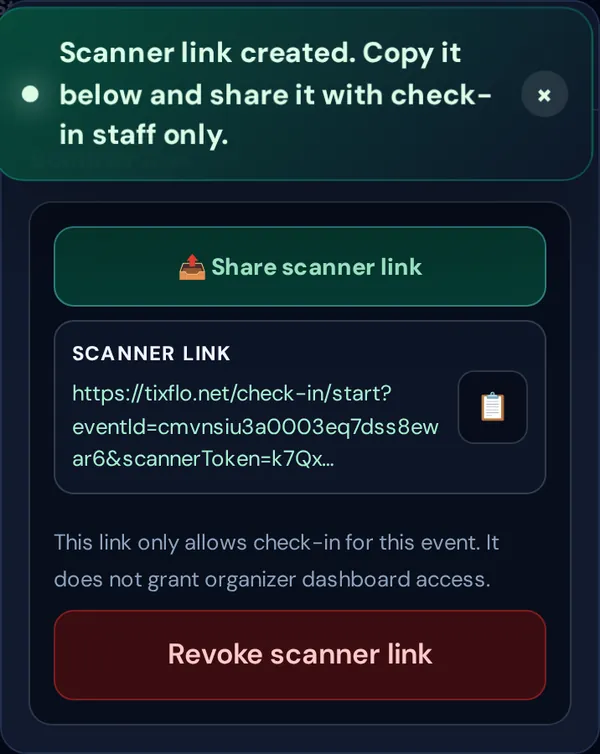
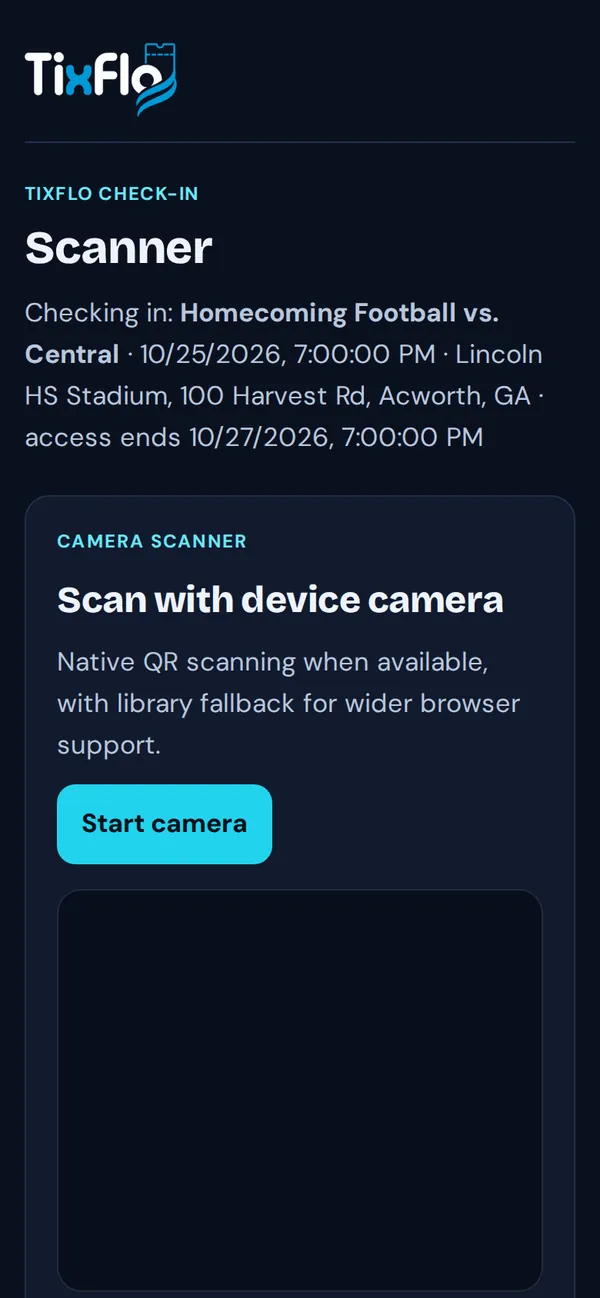
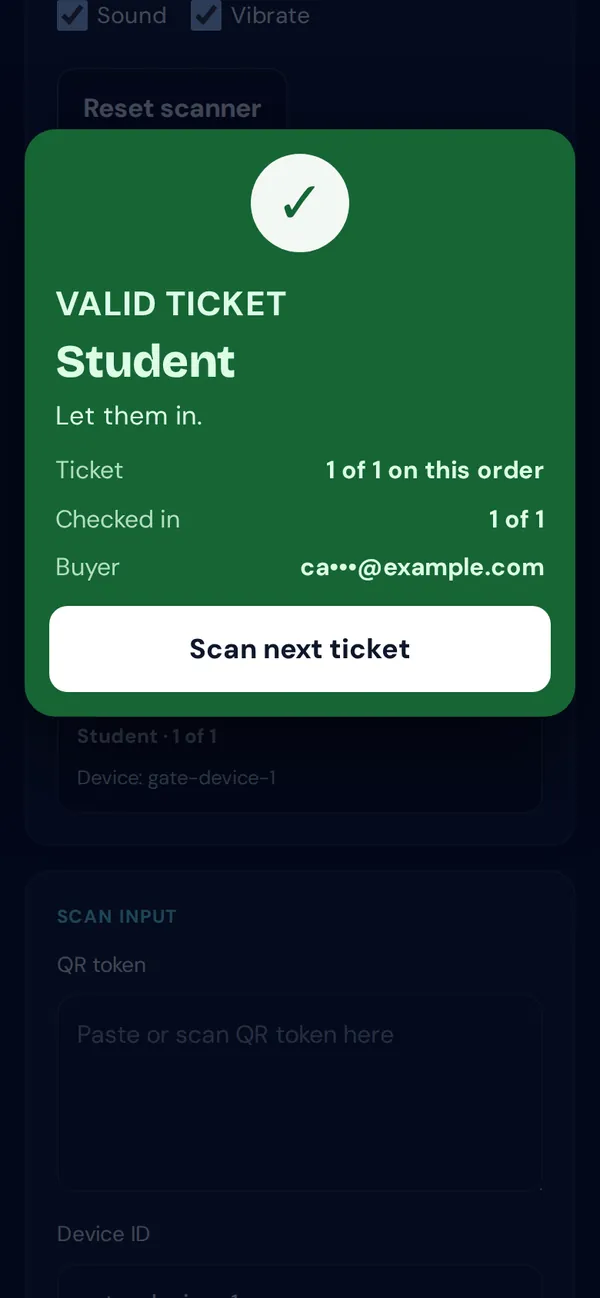
- The link only checks in tickets for that one event. It doesn’t give access to your dashboard.
- Access ends automatically 2 days after the event starts. The scanner shows when.
- Tap Revoke scanner link to stop it working sooner. Links you made earlier are listed under Links that still work, each with a Revoke button. Share links with check-in staff only.
Tip: Selling at the gate too? Gate staff can do both in the Game Day app.