The Admin scanner: look up, check in and refund
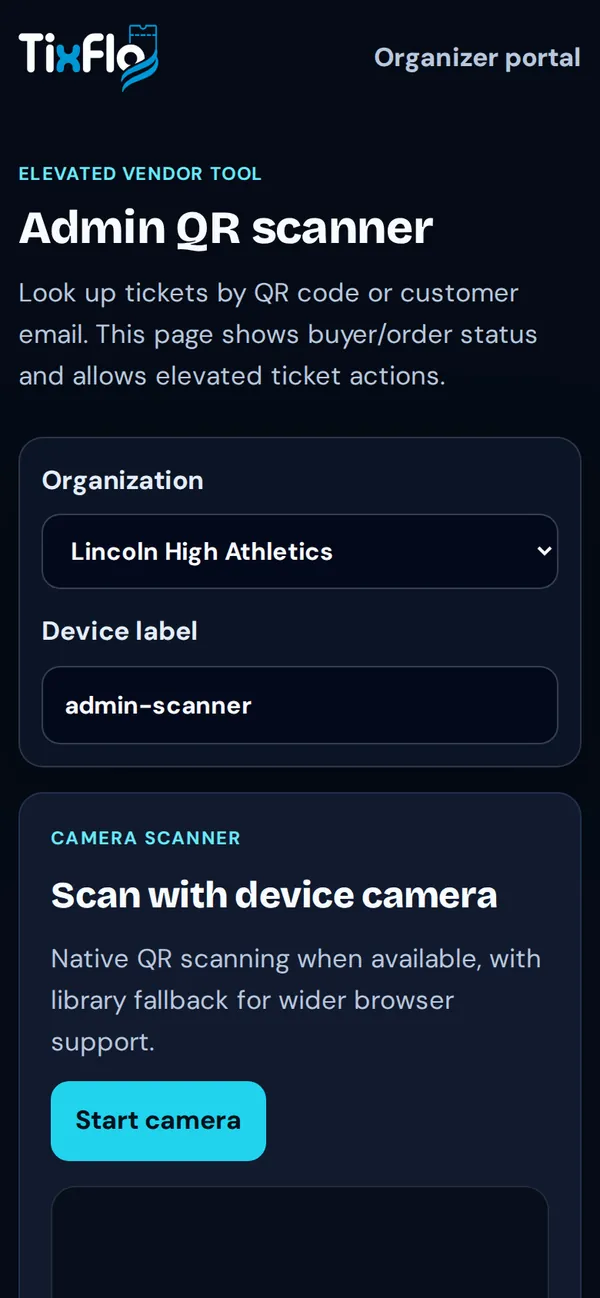
For owners and admins: find any ticket by QR code or email, see its status, and refund.
- On your dashboard, tap Admin scanner.
- Tap Start camera and scan a ticket, or paste a code, to see the ticket, buyer and order status.
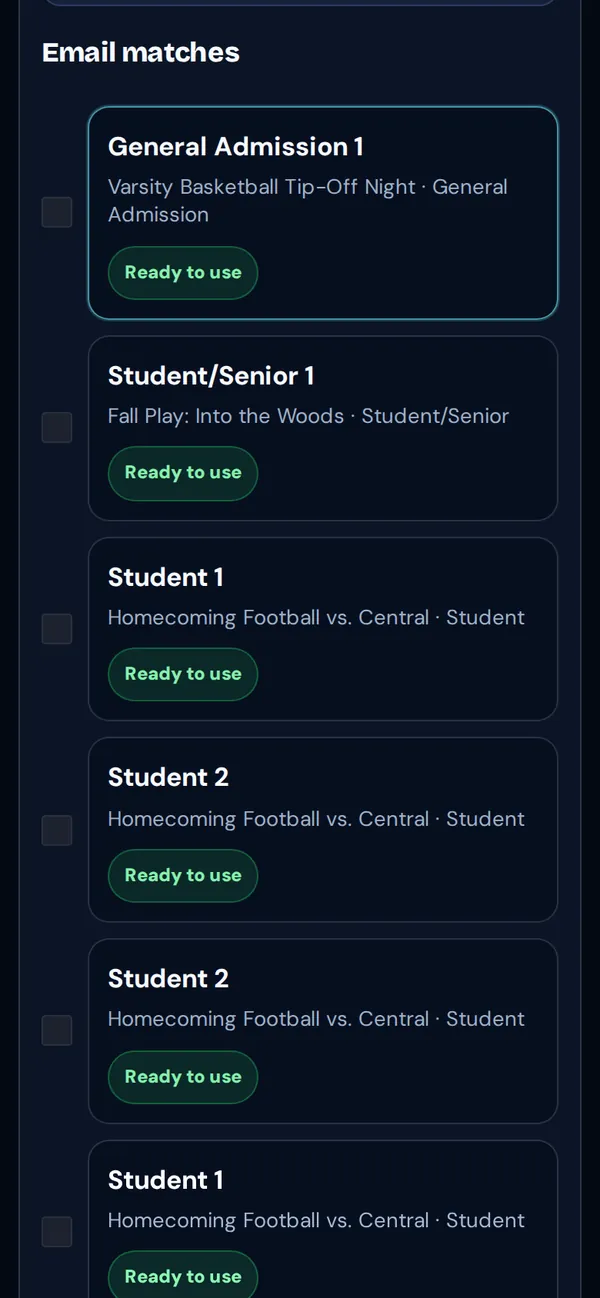
- Or search by customer email to list every ticket they bought across your events.
- From there you can check tickets in or refund them.