Set your refund policy
Decide whether buyers can refund themselves, until when, and what happens if you cancel.
Set it when you create the event, or later in Manage → Event settings → Refund policy.
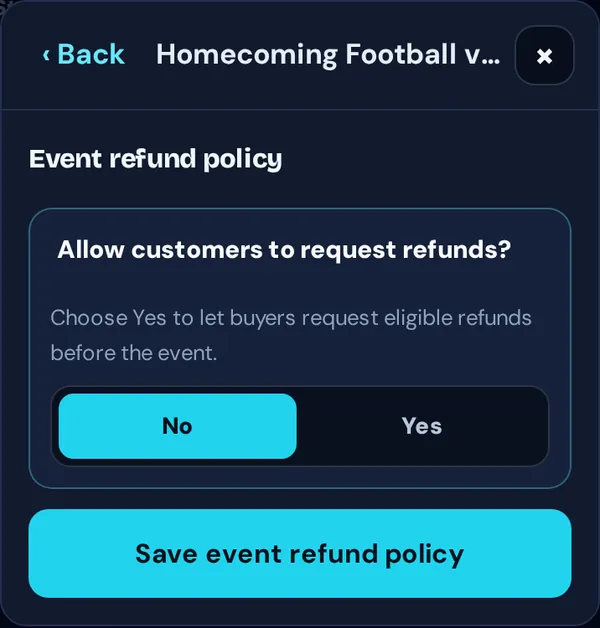
- Allow customers to request refunds? With No, the event page says “All sales are final.” With Yes, buyers can refund themselves from their order page.
- Refund cutoff before event (hours): how close to the start buyers can still refund.
- Allow post-event refunds for unused tickets?: lets buyers refund tickets that were never scanned, for a number of days after the event.
- Canceled-event refund window: how long buyers can claim a refund if you cancel and choose Let buyers request refunds. This only applies when refunds are allowed; if they’re off, choose Refund everyone now when canceling, or buyers will need to contact you.
Good to know: Refunds return the ticket price and any tax. The TixFlo service fee and card processing aren’t refunded.