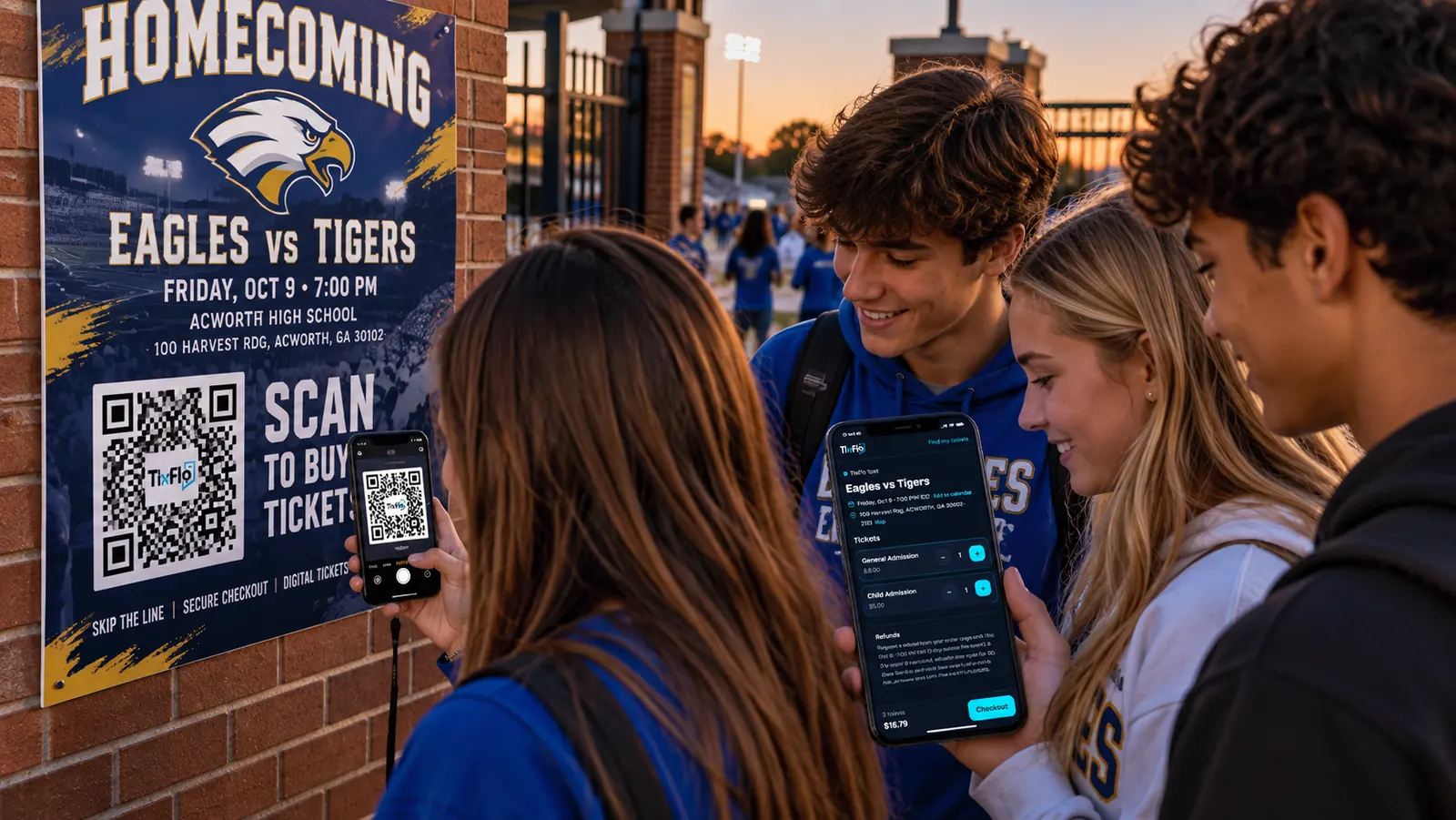

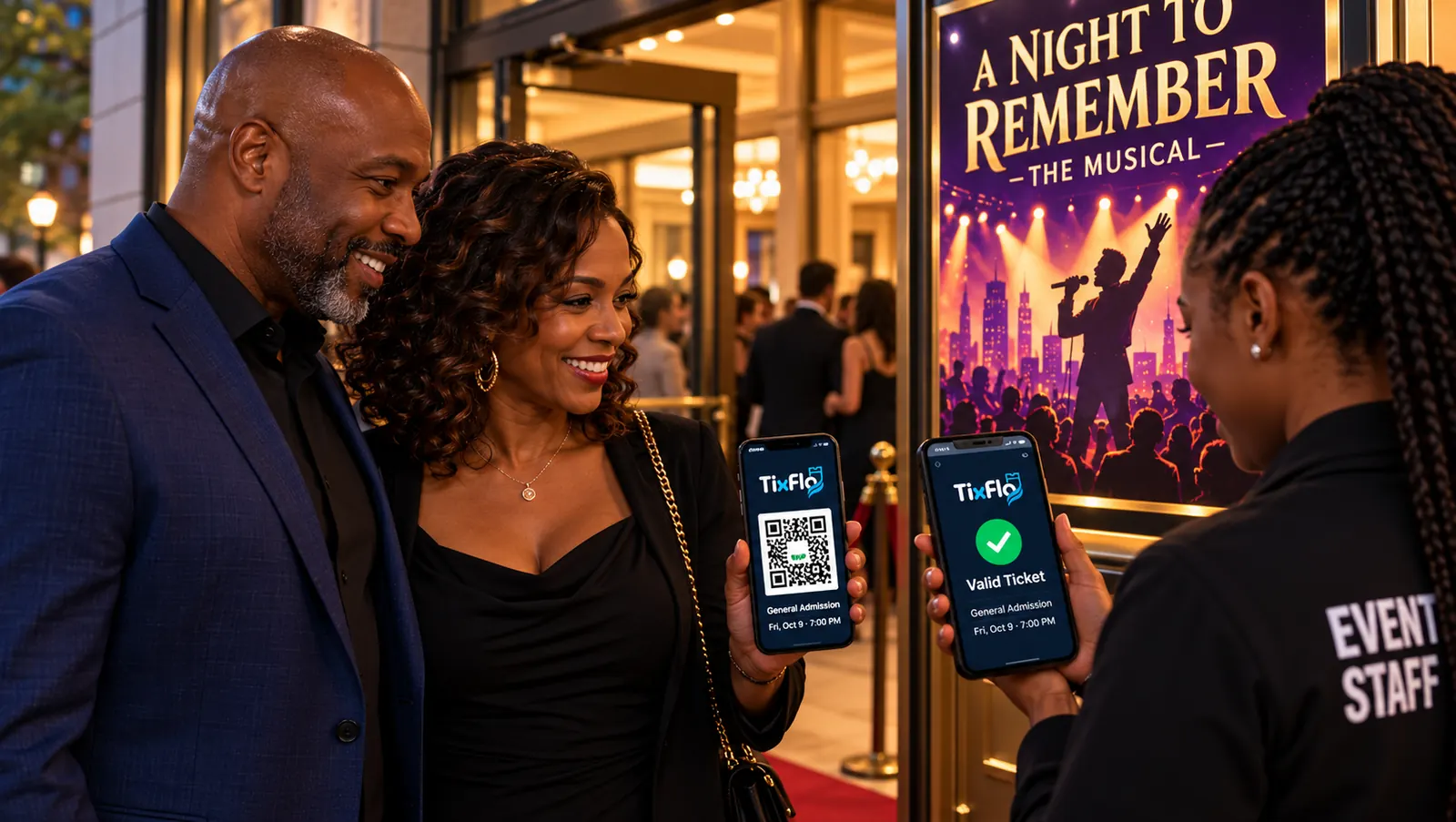
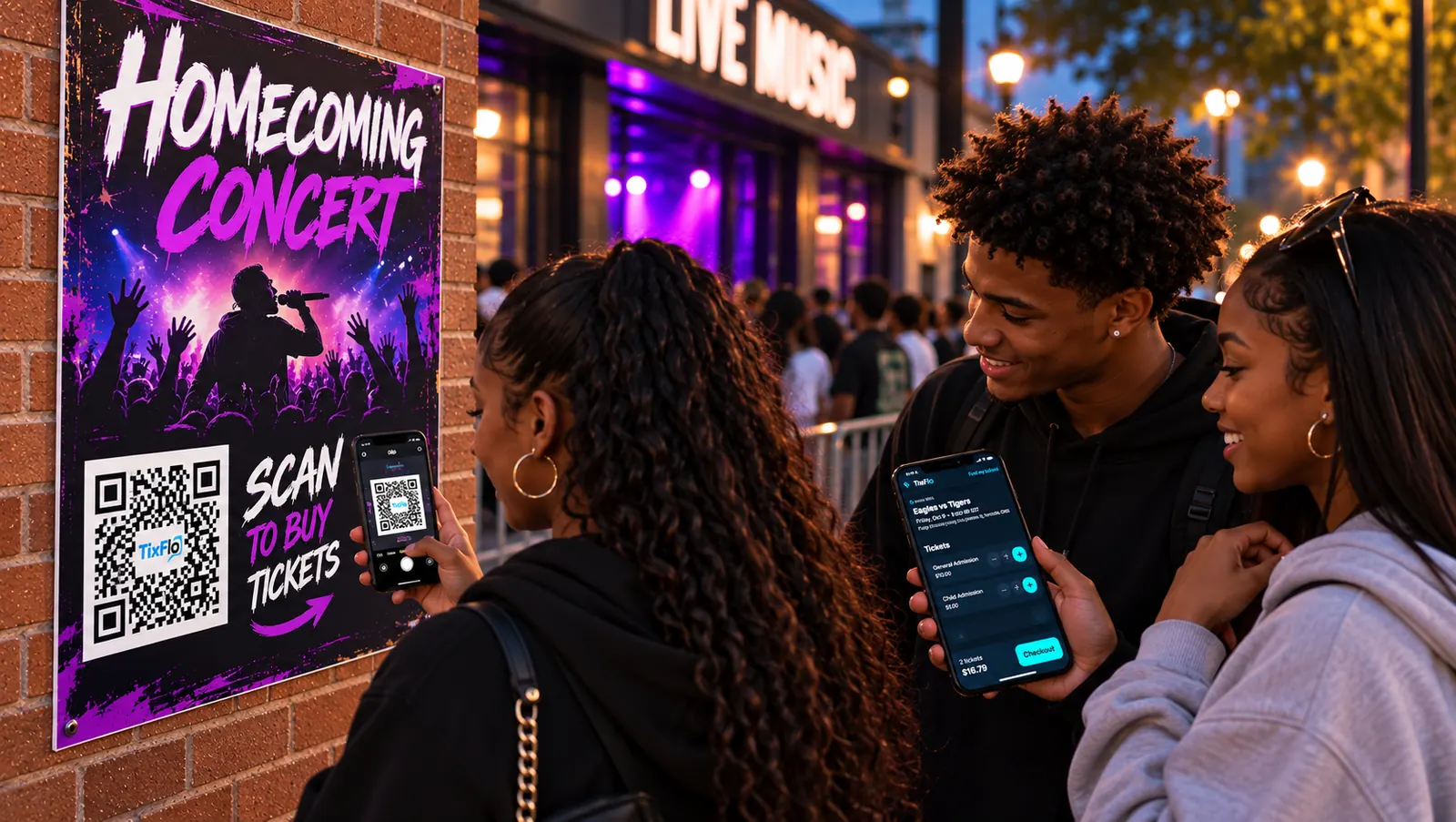
Tickets for games, musicals and concerts, sold online, scanned at the door.
Create an event, get paid through Stripe or Square, and scan guests in with QR tickets. Built for schools, sports leagues, community groups and local events.
- ✓ Free to start
- ✓ $0.50 a ticket + card processing
- ✓ Stripe or Square
- ✓ Phone scanner, no app
Scan the poster, buy on the phone.
Customer highlight

“Before TixFlo, we ran the gate with a cash box and Cash App, and our concession lines got long on big nights. Now families can buy tickets on their phones and order food from the bleachers with OrderUp. It’s made the gate and the concession stand so much easier.”
Set it up tonight. Sell this week. Scan at the gate.
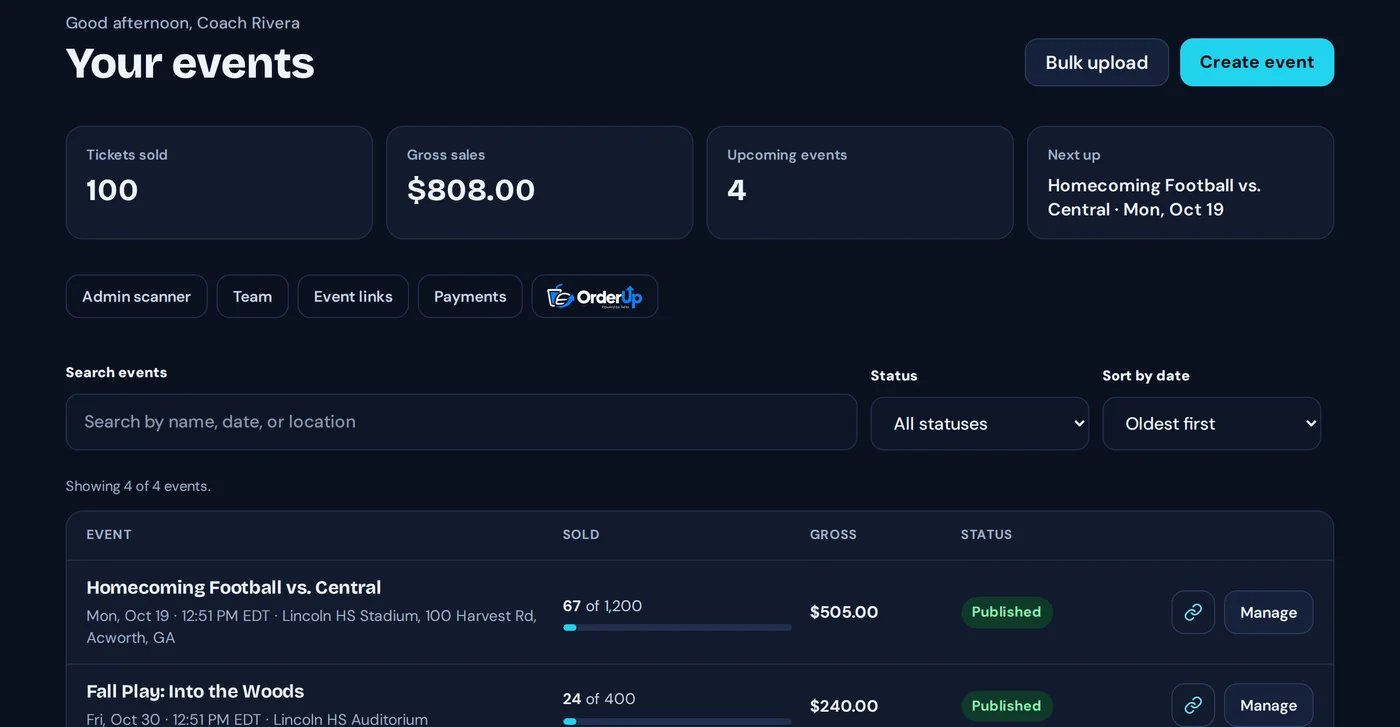 Step 1
Make the event
Add the date, ticket types and prices, connect Stripe or Square, and publish. Most organizers are done in a few minutes.
 Step 2
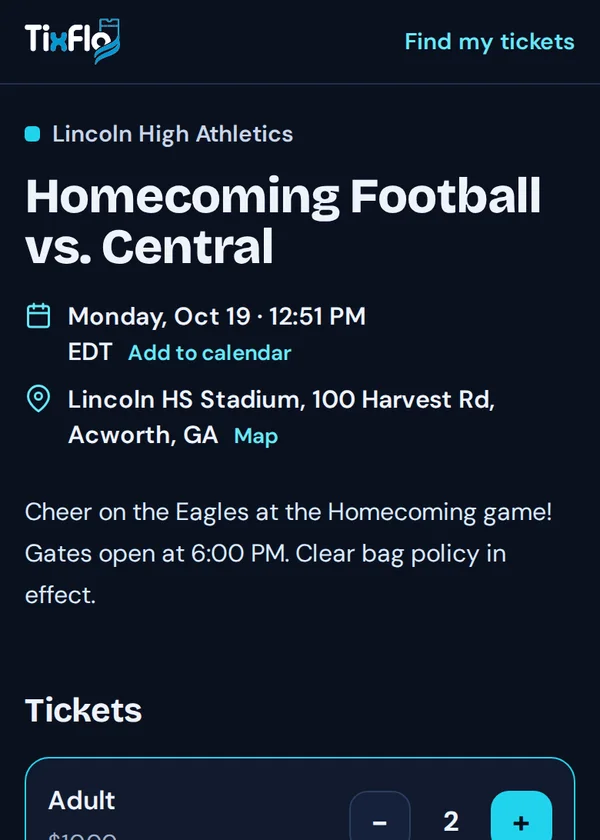
Families buy on their phone
Share the link or post a QR code. Buyers don’t need an account or an app, and their tickets arrive by email.
 Step 3
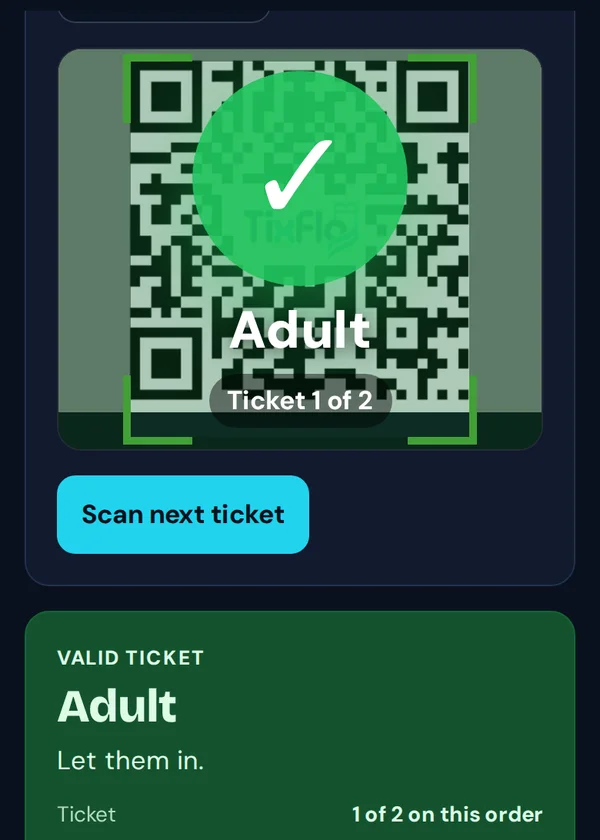
Volunteers scan at the gate
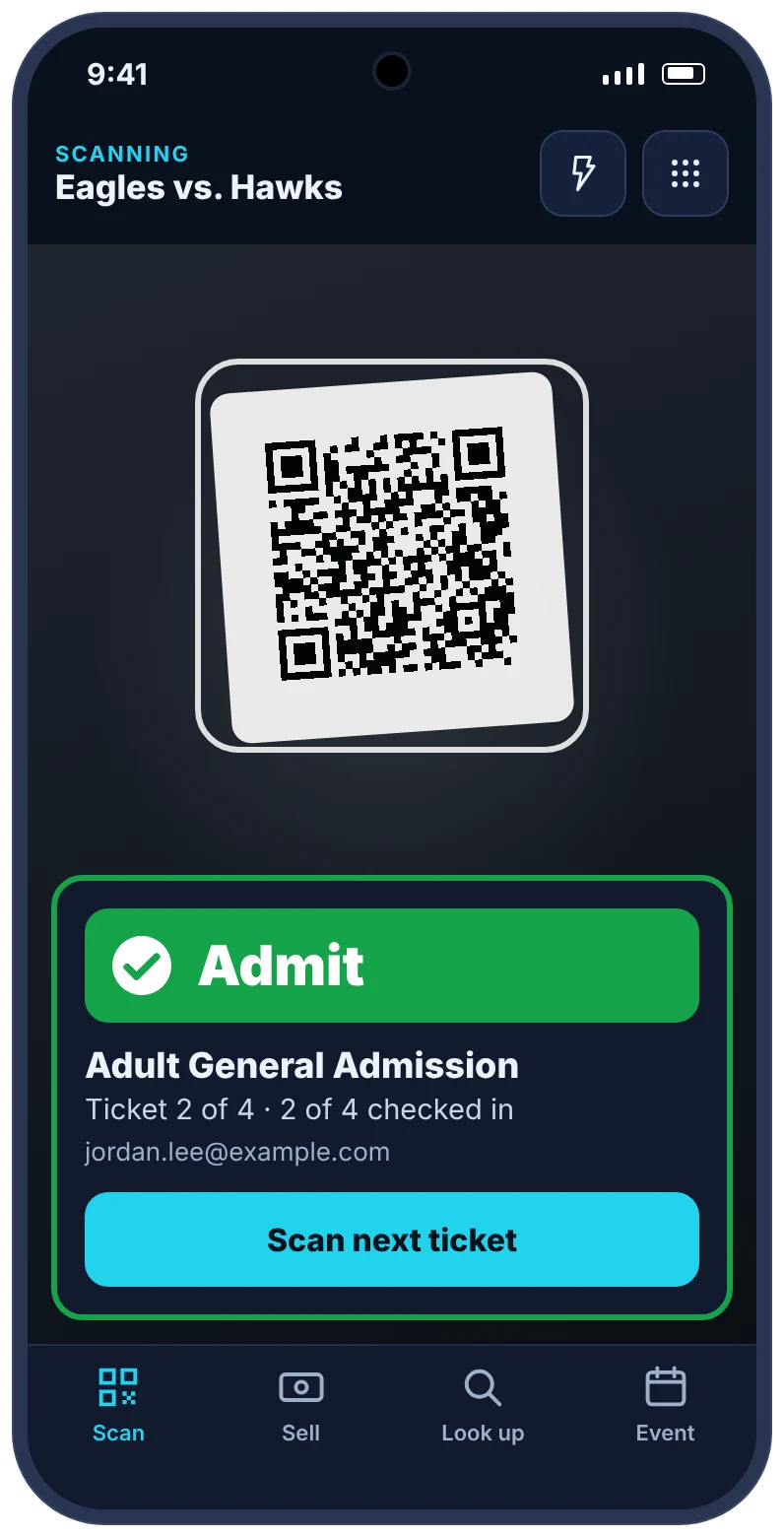
Any phone becomes a scanner from a link you share. Green means let them in; a ticket that was already used says so.
Take payments at the gate with just a phone.
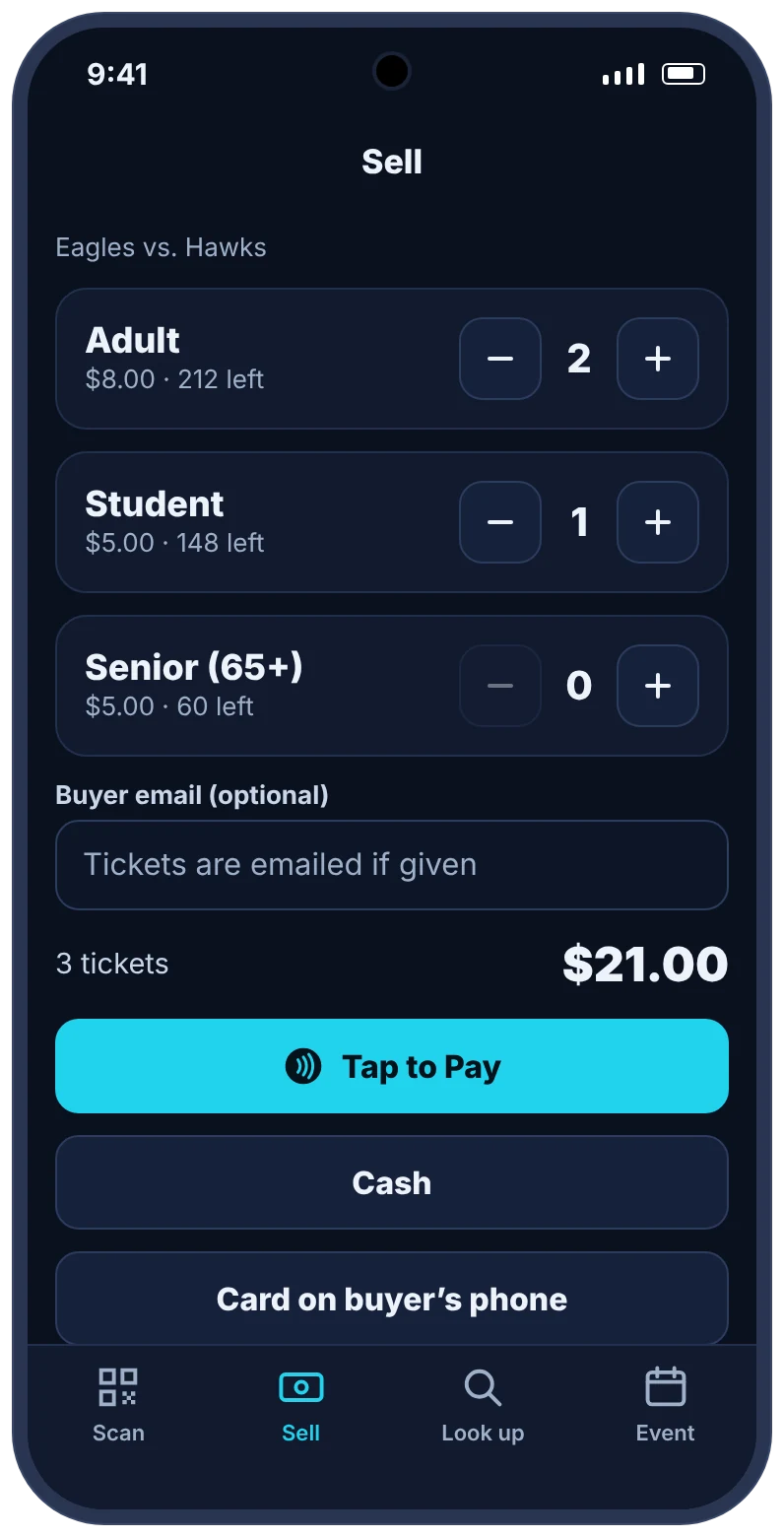
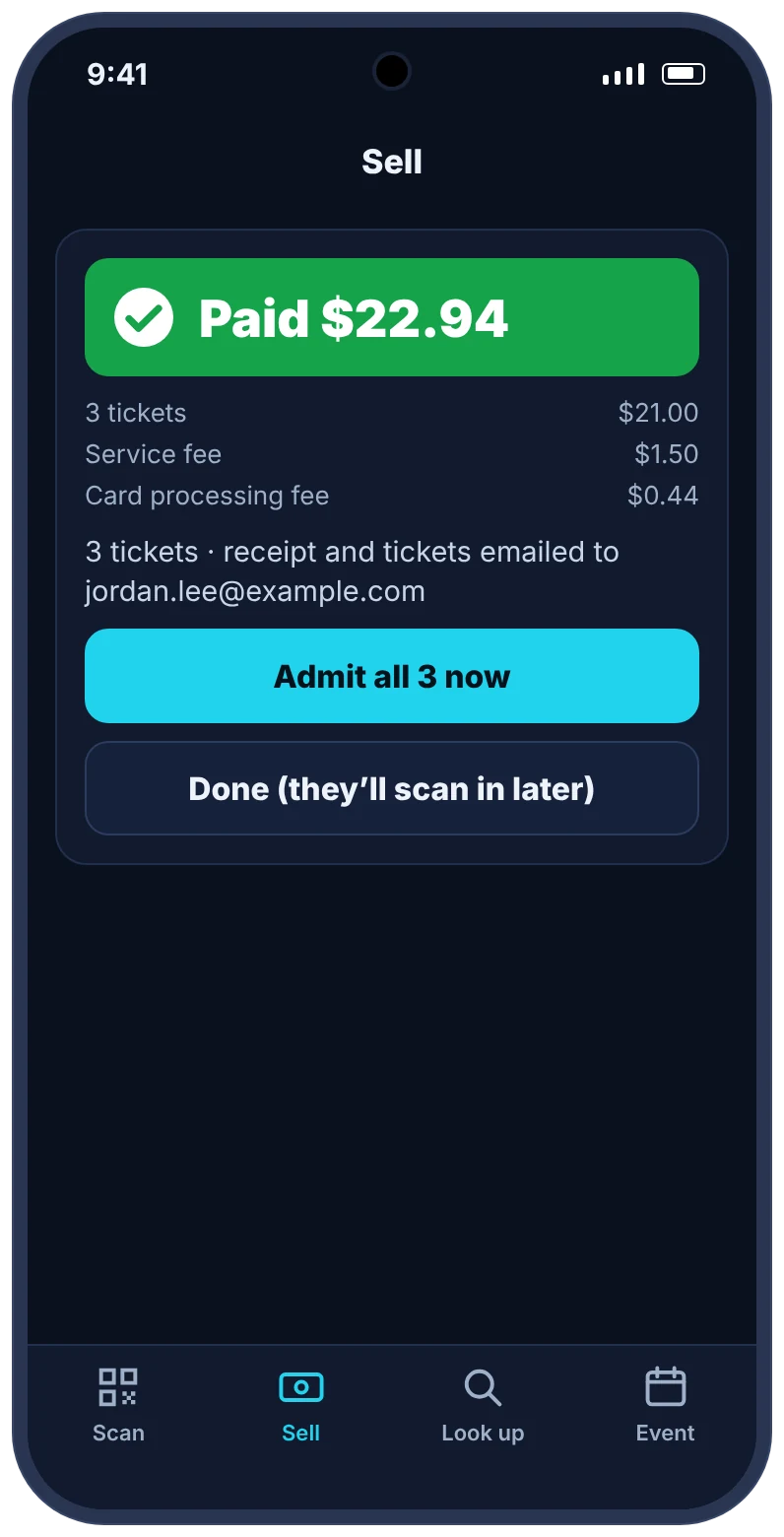
The free Game Day app turns your gate staff’s phones into a ticket scanner and a point of sale. Sell to walk-ups the way they want to pay, and every sale lands in the same event as your online tickets.
- Tap to Pay on iPhone and AndroidTake contactless cards, Apple Pay and Google Pay right on a staff phone, through your Square account. No card reader to buy or charge.
- Cash, with change worked outOne tap for common bills. Cash sales carry no TixFlo fee and still count toward your event totals.
- Card on the buyer’s phoneShow a QR code and the buyer pays on their own phone. Tickets arrive by email the moment they’re done.
- Scan and look upBig Admit, Already scanned and Not valid results you can read in the sun. Find any order by email and resend tickets.
Coming soon to the App Store and Google Play.
Tap to Pay needs your Square account connected to TixFlo, and an iPhone XS or later or an NFC-enabled Android phone. Apple, Apple Pay and iPhone are trademarks of Apple Inc. Google Pay and Google Play are trademarks of Google LLC.
Everything for game night. No add-ons.
- QR tickets by emailSent right after payment. Buyers can always find them again with “Find my tickets”.
- Phone scannerShare a scanner link with volunteers. Every gate sees the same list, so a ticket only gets in once.
- Your own Stripe or SquareTicket money goes to your account and pays out to your bank on its usual schedule.
- Refunds and cancellationsRefund an order from your dashboard, or cancel an event and email and refund every buyer in one step.
- Reports for your treasurerDownload sales and attendee lists for any event.
- Team accessInvite co-admins to run events with you.
Free to start. $0.50 a ticket when you sell.
No monthly fee, setup fee or contract. Each ticket carries a $0.50 TixFlo fee, and card processing is charged once per order. Pass the fees to buyers and you keep the full ticket price, or absorb them so buyers pay exactly the posted price. You choose for each event.
When buyers pay the fees
| Order | Fees | Buyer pays | You keep |
|---|---|---|---|
| One student ticket1 × $5.00 | $0.98 | $5.98 | $5.00 |
| Family of four4 × $8.00 | $3.33 | $35.33 | $32.00 |
| One $25 ticket1 × $25.00 | $1.58 | $26.58 | $25.00 |
Fees include the $0.50 per ticket and Stripe’s standard 2.9% + 30¢. Square’s rate depends on your Square plan.
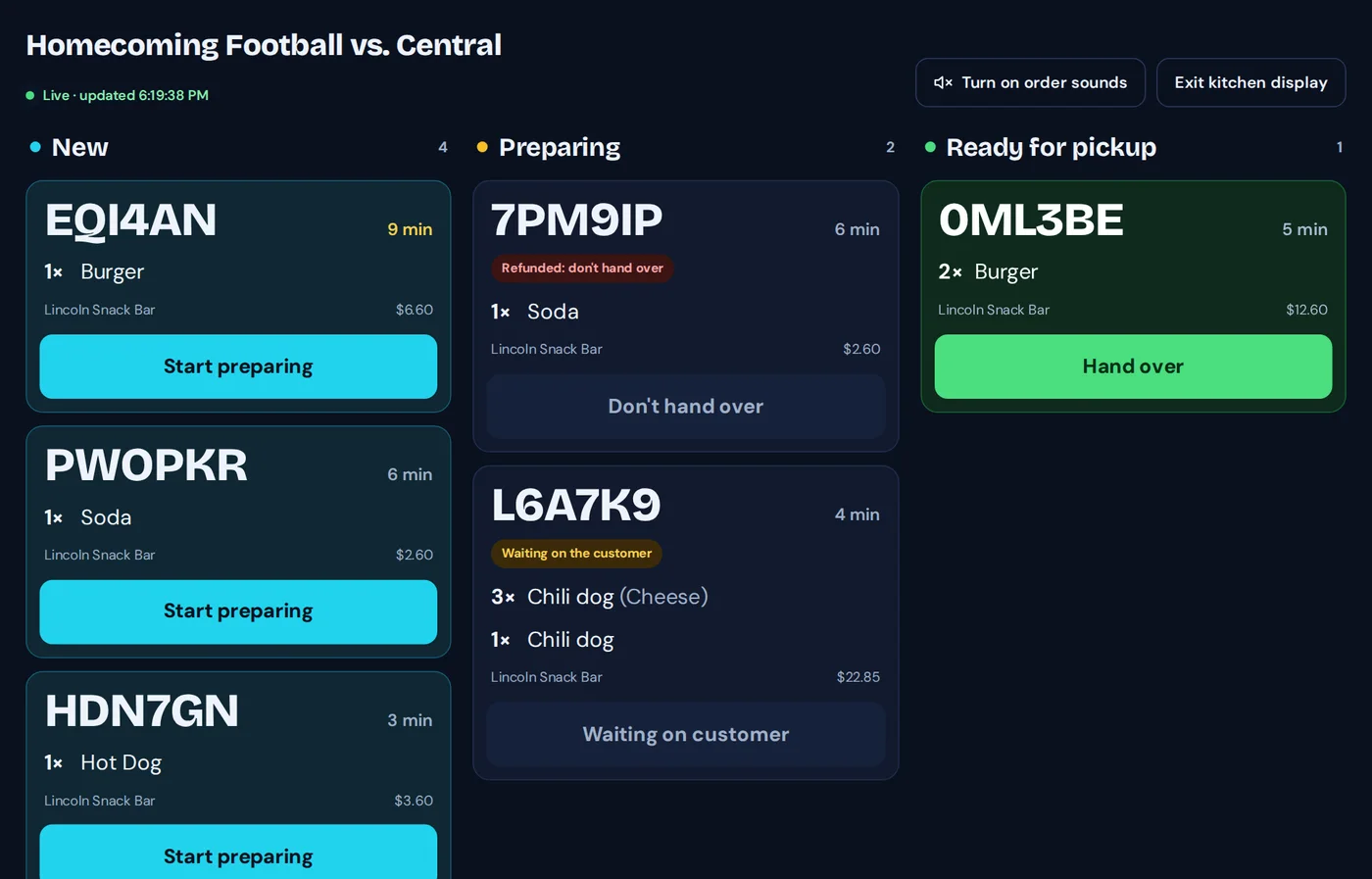

Concessions without the line.
Fans order and pay from their seats, then pick up when their number is ready. Your volunteers work from a live board instead of a cash box.
Compare TixFlo for your events
Set up your first event today.
Make a free account, connect Stripe or Square, and publish when you’re ready. Questions first? Email support@tixflo.net. We answer within one business day, Monday to Friday.