Upload a whole season from a spreadsheet
Create many events at once from a CSV file.
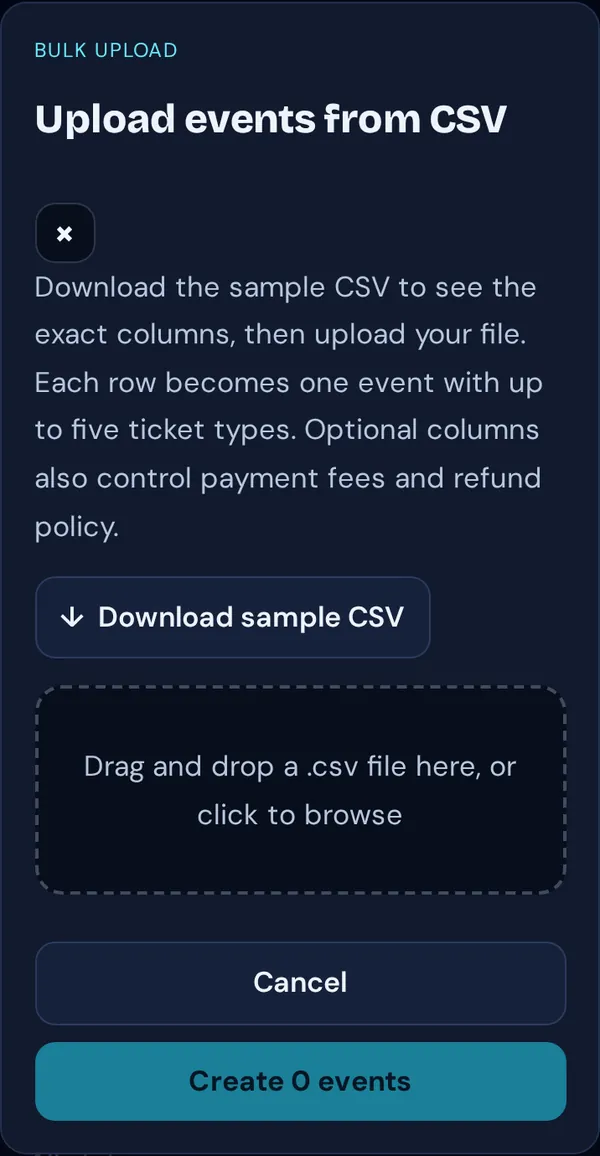
- On your dashboard, tap Bulk upload.
- Tap Download sample CSV and fill it in with Excel or Google Sheets: one row per event, with up to five ticket types.
- Save as CSV, then drop the file on the upload box or tap it to browse.
- Tap Create N events. You’ll see how many were created and which rows need fixing.
Good to know: Rows are created as drafts unless `status` is `published`. Optional columns set fees and the refund policy for each event.