Email everyone who has tickets
Send gate changes, parking info or reminders to every ticket holder for an event.
- Tap Manage → Message ticket holders (published or past events).
- Write a Subject and Message in plain text.
- Tap Send message, then Yes, send to N.
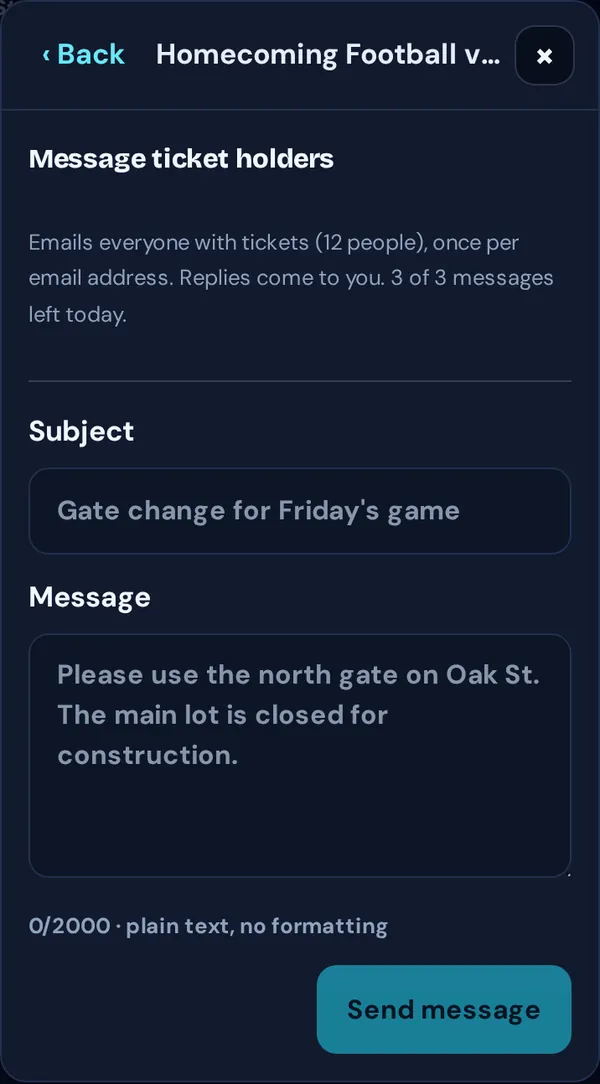
- Each email address gets one copy, however many tickets they bought.
- Replies come to you.
- You can send up to 3 messages per event in any 24 hours. Past messages are listed under Sent.
Good to know: Canceling or rescheduling emails everyone automatically, so you don’t need a separate message.