Add your logo and brand color
Your logo and color show on link previews, share graphics, and your event and pass pages.
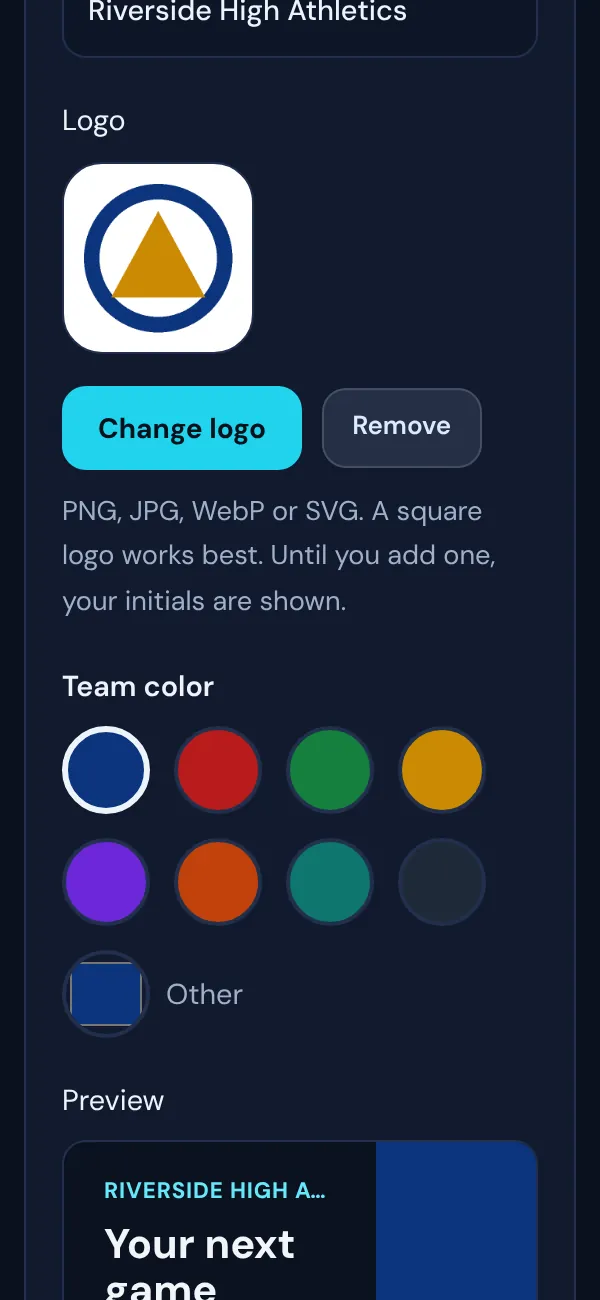
- On your dashboard, tap Logo & color (owners and admins).
- Tap Upload logo and pick a PNG, JPG, WebP or SVG file. A square logo works best. It’s resized for you.
- Pick your Brand color, or tap Other for any color.
- Check the Preview, then tap Save.
- Your logo and color appear on link previews when your events and passes are shared, on the Instagram and Facebook graphics, and on your event and pass pages.
- No logo yet? Your organization’s initials are shown on your brand color instead.
- You can also change your organization’s name here.
Good to know: Link previews that were already shared before you added a logo may keep the old picture for a while: Facebook and other apps save previews for a time.