Refund a buyer
Refund tickets from the Admin scanner, let buyers refund themselves, or refund everyone when you cancel.
Refund specific tickets
- Open the Admin scanner (dashboard shortcut).
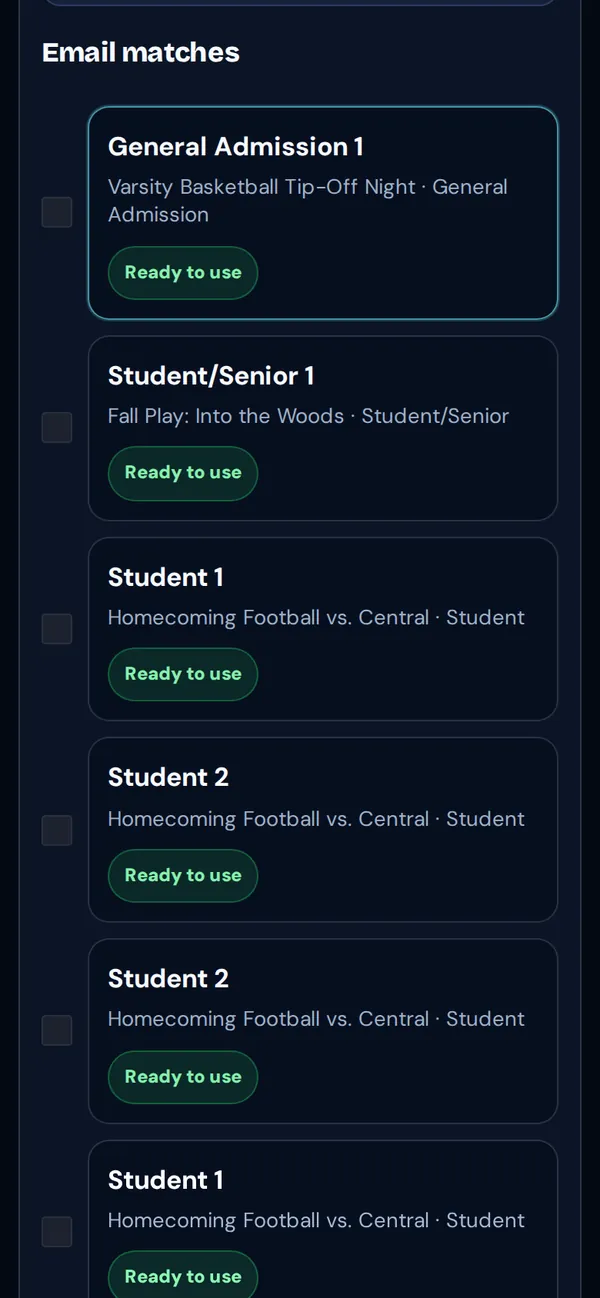
- Search by Customer email and tap Find tickets by email, or look up a QR code.
- Tick the tickets to refund and tap Refund N selected, or open one ticket and tap Refund this ticket.
Let buyers refund themselves
Turn on refunds in your refund policy. Buyers then refund eligible tickets from their order page.
Refund everyone
Cancel the event and choose Refund everyone now.
Good to know: Refunds return the ticket price and tax. The TixFlo service fee and card processing aren’t refunded. Cash sales at the gate are paid back by you, in person. Gate staff can’t refund in the Game Day app.