Attendee lists and CSV export
See who bought, who’s checked in and who was refunded, and download it all.
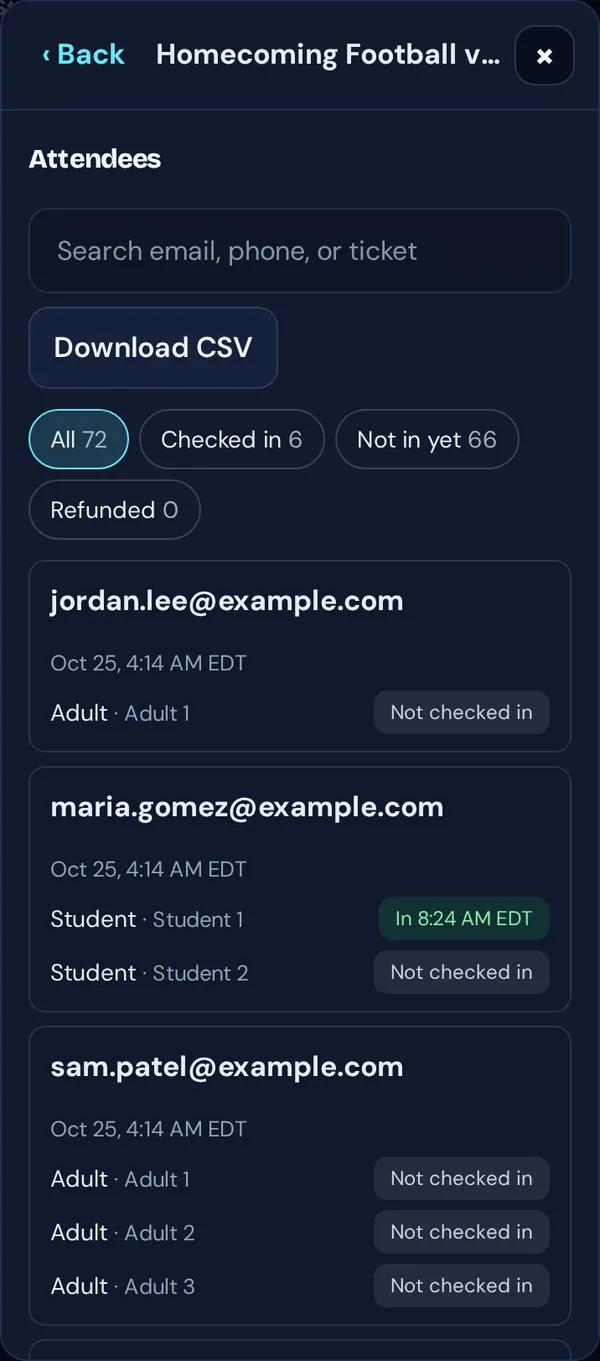
- Tap Manage → Attendees.
- Search by email, phone or ticket, or filter: All, Checked in, Not in yet and Refunded.
- Tap Download CSV for a spreadsheet with one row per ticket.
Good to know: Gate sales with no email show as “Gate sale (no email)”.