OrderUp team, roles and sales reports
Add stand workers, choose what they can do, and see sales by event and item.
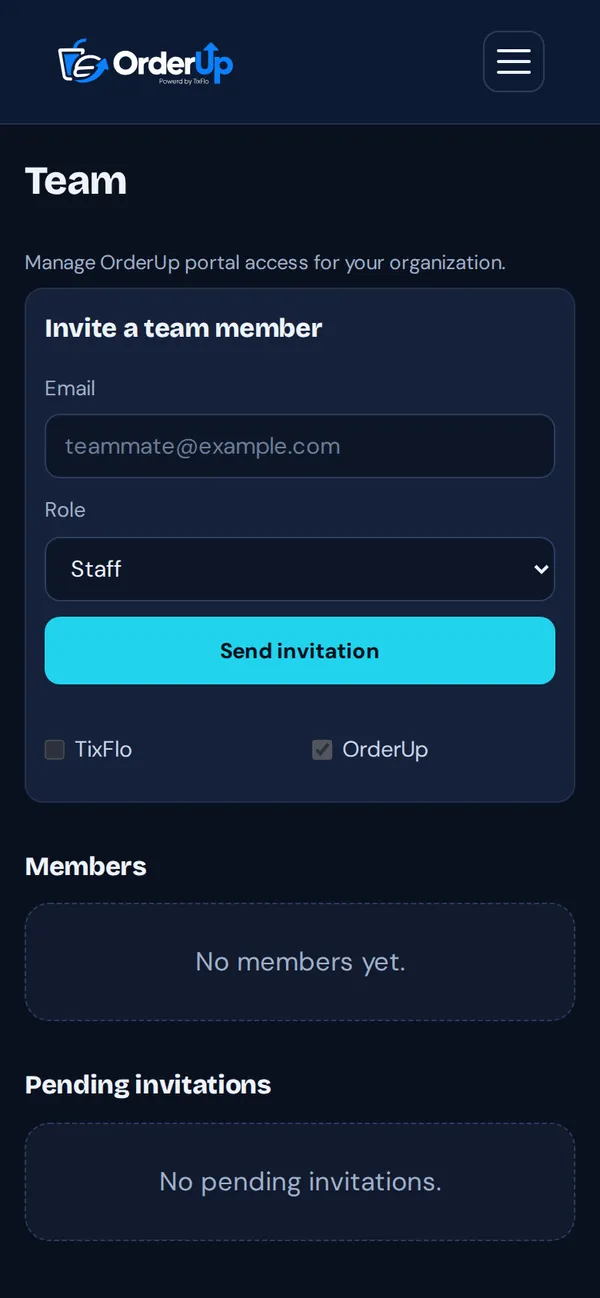
- In the OrderUp portal, open Team (admins and managers).
- Enter their Email, choose a Role and tap Send invitation.
- Staff: run live orders and the pickup scanner. Can view the menu.
- Manager: everything Staff can do, plus edit the menu, refund orders and invite Staff.
- Admin: everything in OrderUp and TixFlo.
Analytics
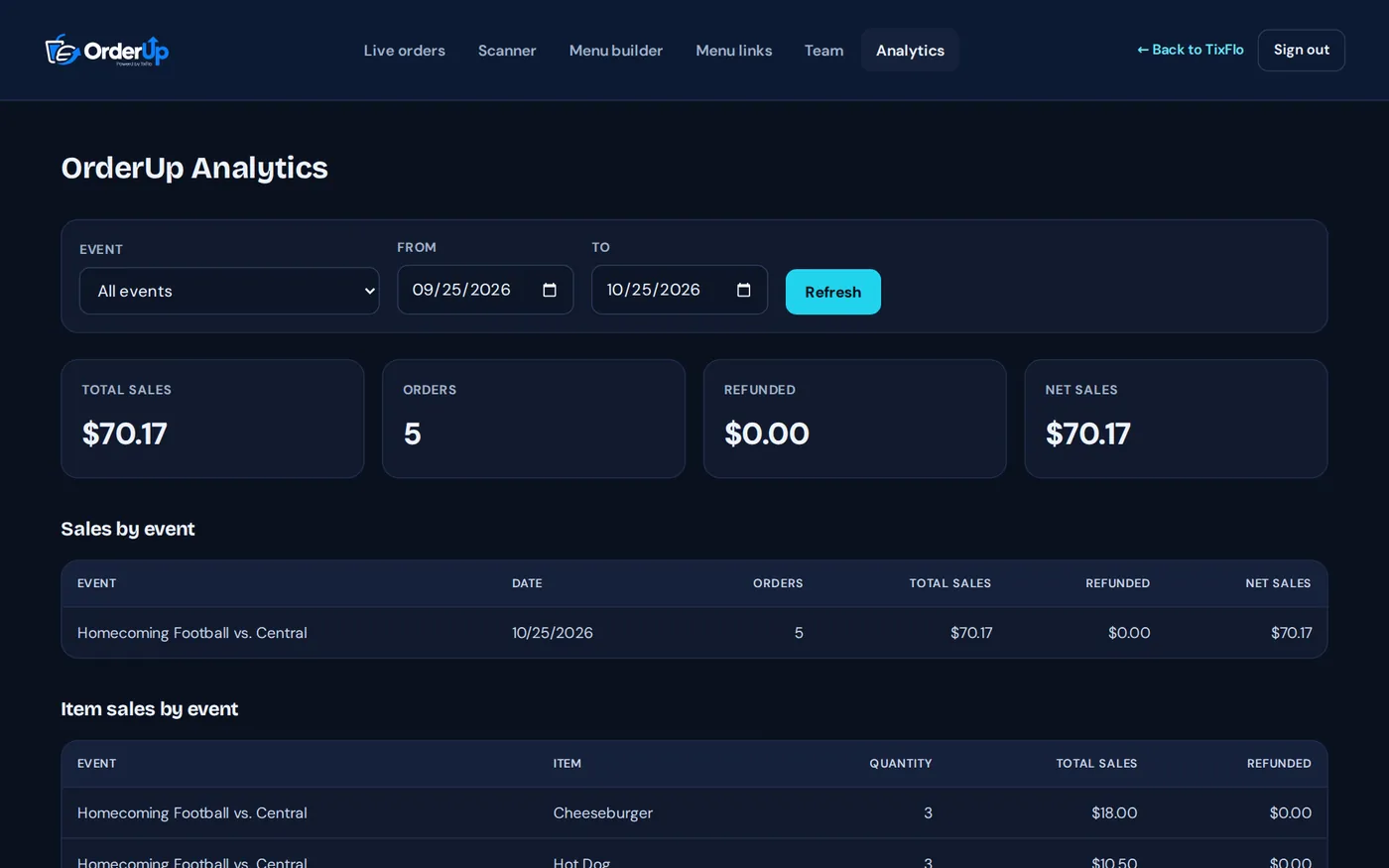
Owners and admins see Analytics: total and net sales, sales by event and item sales by event, for any date range.