Hand over orders with the pickup scanner
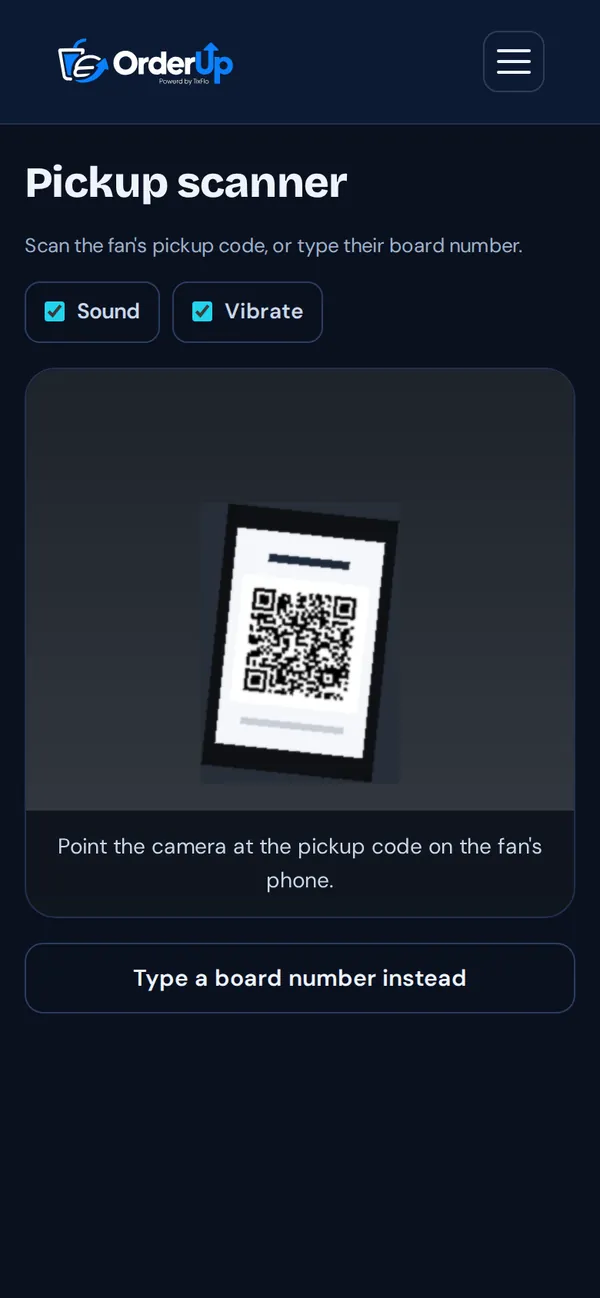
Scan the fan’s pickup code (or type their order number) to confirm and hand over.
- Open Scanner in the OrderUp portal.
- Point the camera at the pickup code on the fan’s phone, or tap Type a board number instead and enter their order number.
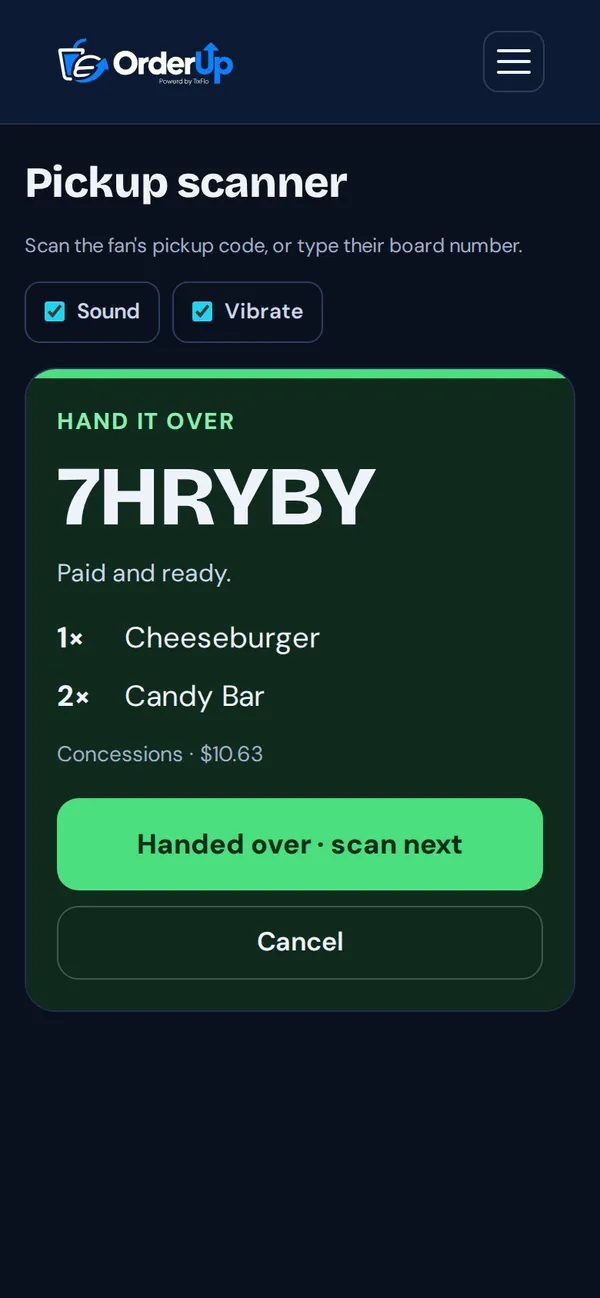
- Check the items shown and tap Handed over · scan next.
Tip: Turn Sound and Vibrate on so you know a scan worked without looking.