Order food from your seat
Scan the stand’s QR code, order, pay and pick up when your number is ready.
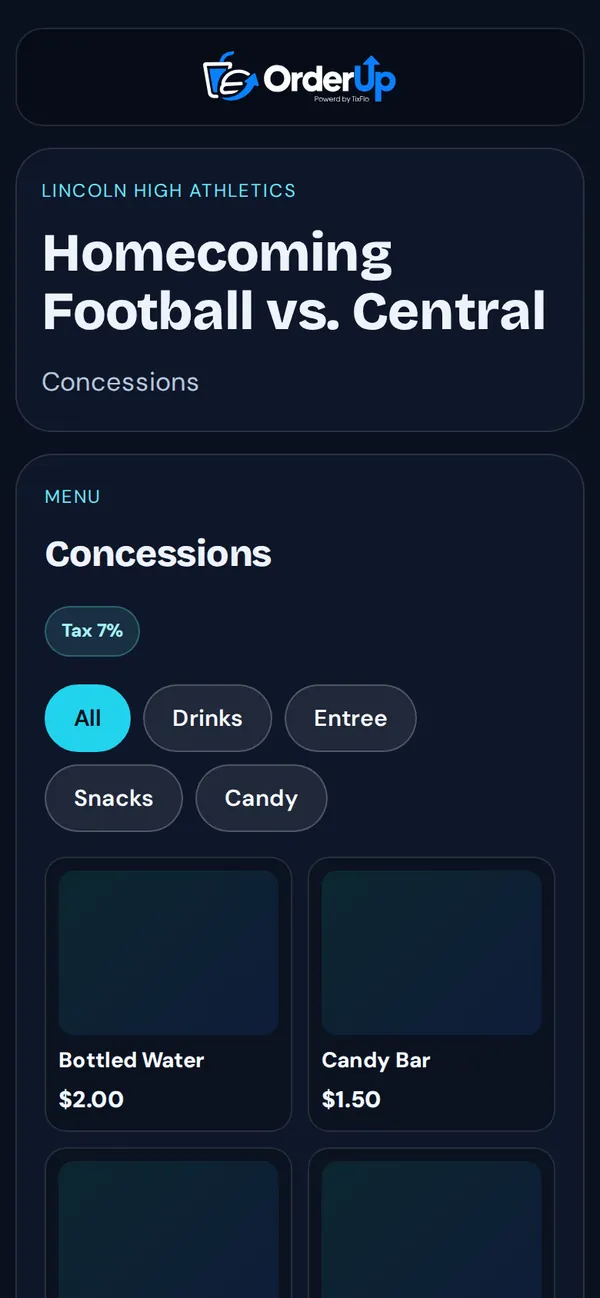
- Scan the concession QR code with your phone’s camera.
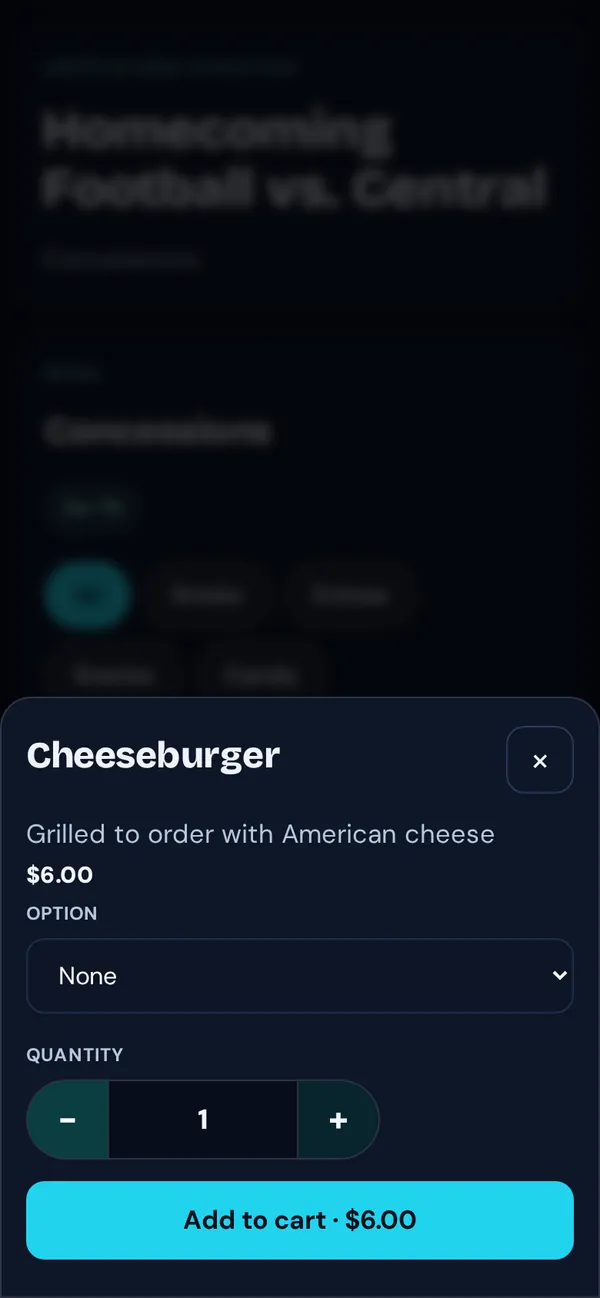
- Tap items to add them to your cart, choosing options and quantity.
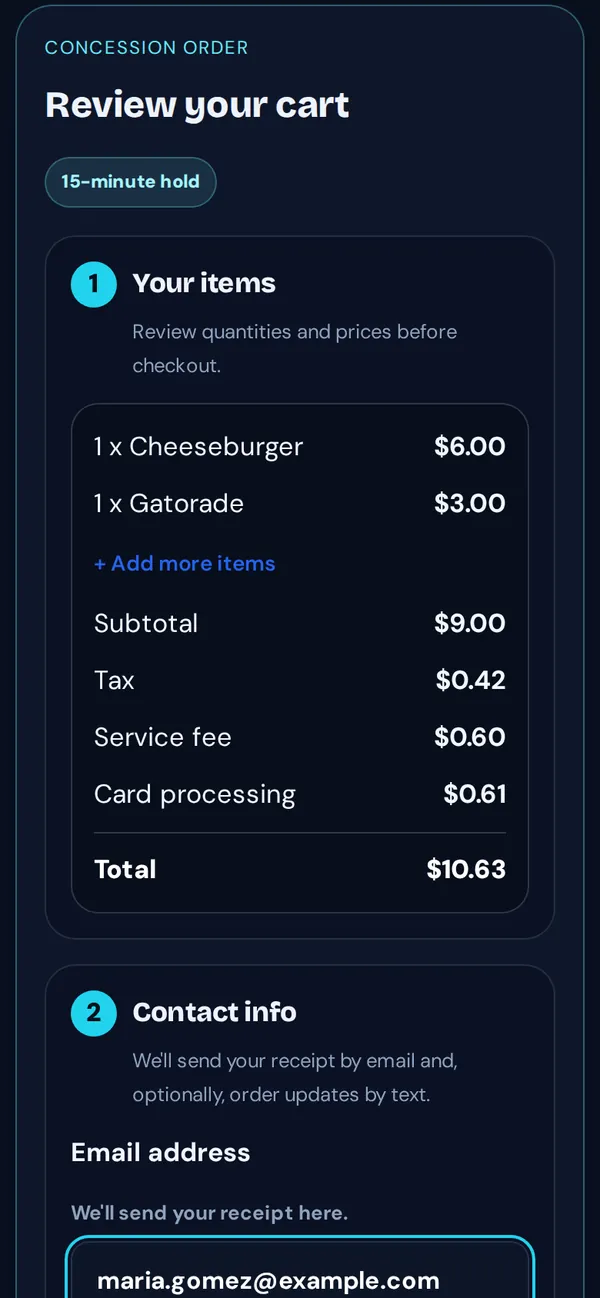
- Review your cart, enter your email for the receipt, and pay by card or Cash App.
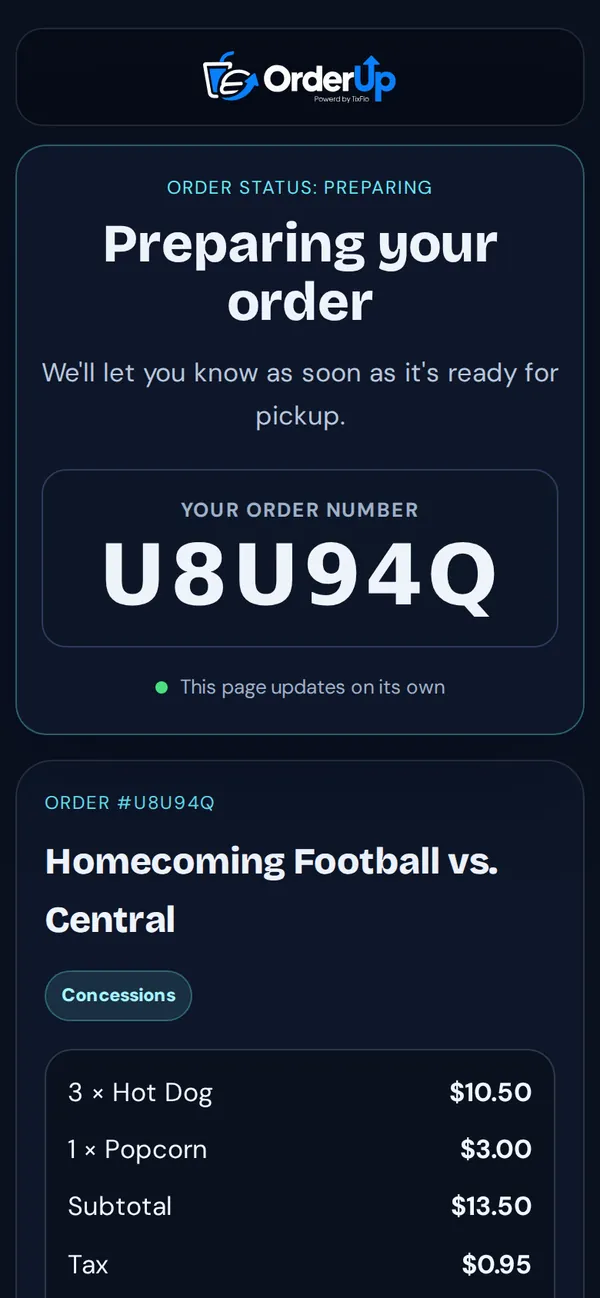
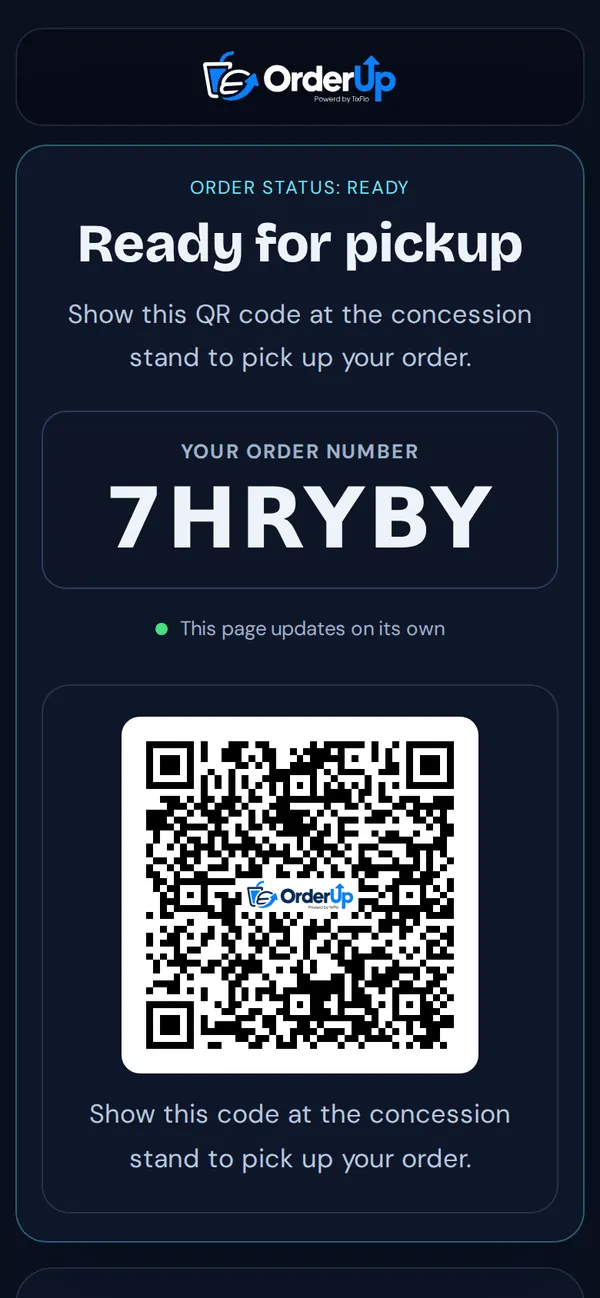
- Keep the page open. You’ll see your order number and its status as the stand prepares it.
- When it says Ready for pickup, show the QR code (or say your order number) at the window.
Tip: Closed the page? Open your receipt email and tap the link to check your order.