Invite co-admins and gate staff
Add people to your organization and choose what each person can do.
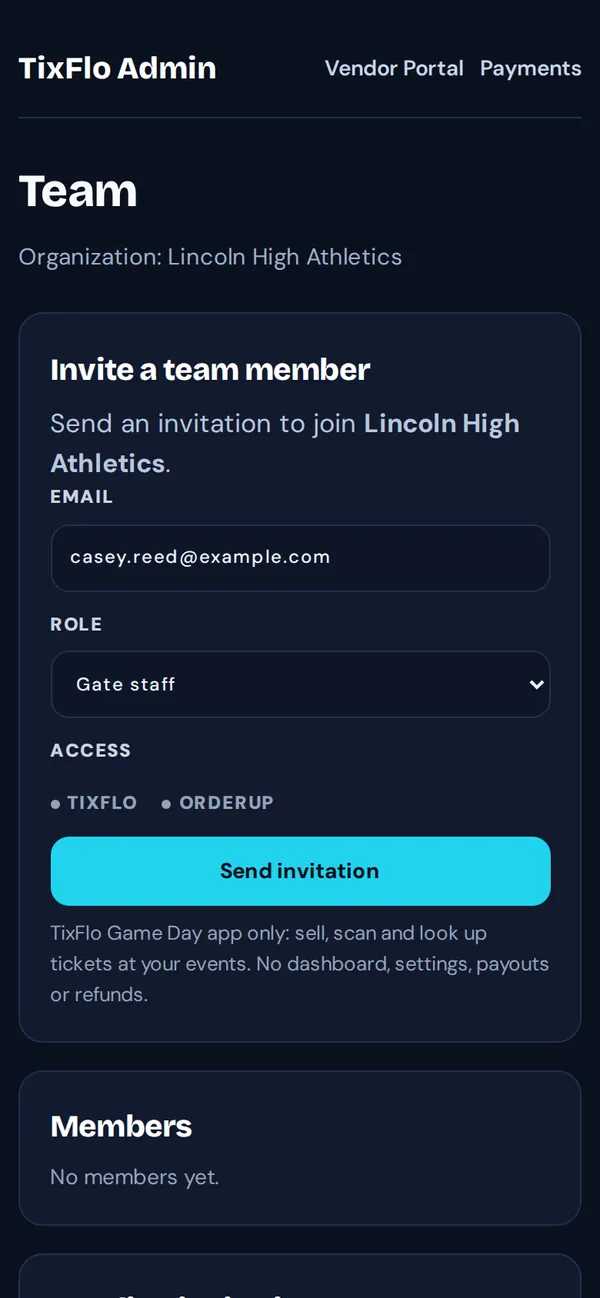
- On your dashboard, tap Team (owners and admins).
- Enter their Email and choose a Role.
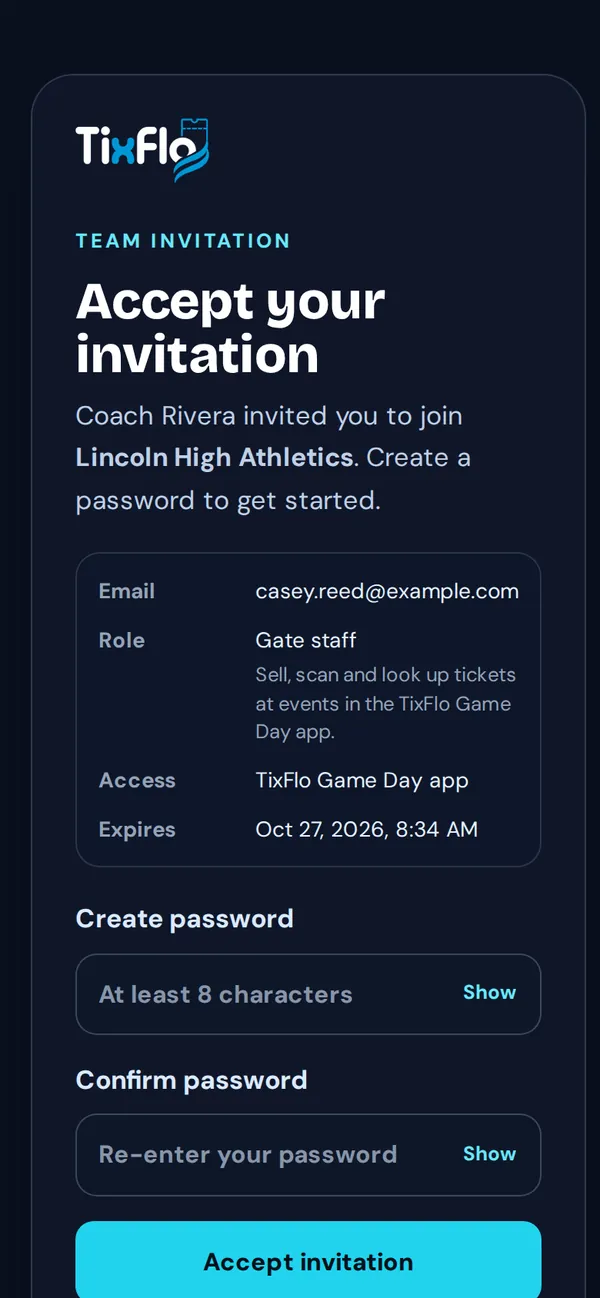
- Tap Send invitation. They get an email with a link to accept and create a password.
Which role?
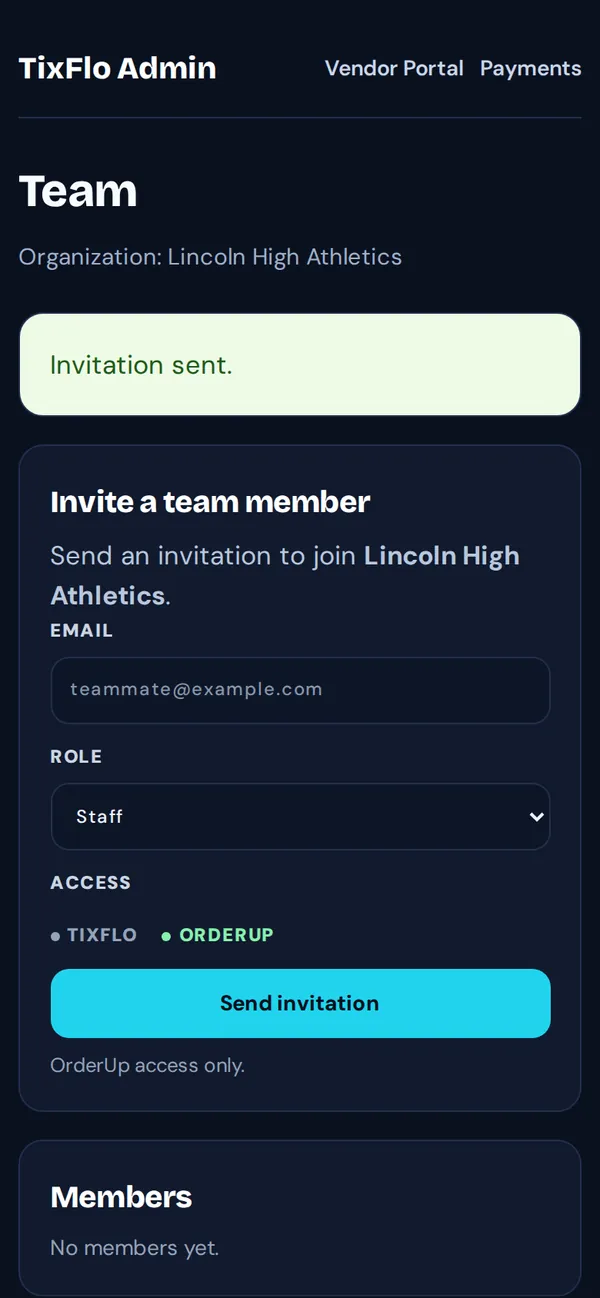
- Admin: everything in TixFlo and OrderUp, including payments, refunds and the team.
- Gate staff: only the TixFlo Game Day app: sell, scan and look up tickets at your events. No dashboard, settings, payouts or refunds.
- Manager and Staff: OrderUp concessions only.
Waiting invitations are under Pending invitations, where you can Resend or Revoke them. Remove someone with Remove next to their name.
Tip: Volunteers who only scan for one night don’t need an account. Send them a scanner link instead.