Sell tickets for cash at the gate
Pick tickets, enter the cash given, and the app works out the change.
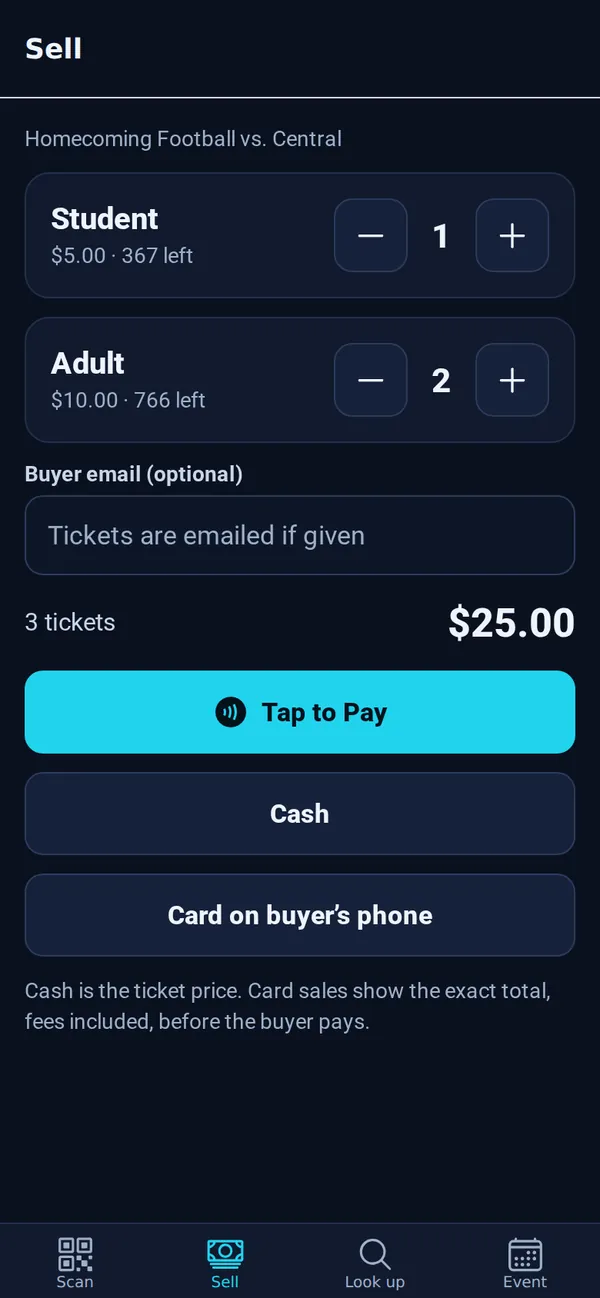
- Open the Sell tab and tap + for each ticket.
- Type the Buyer email (optional) if they want their tickets emailed.
- Tap Cash.
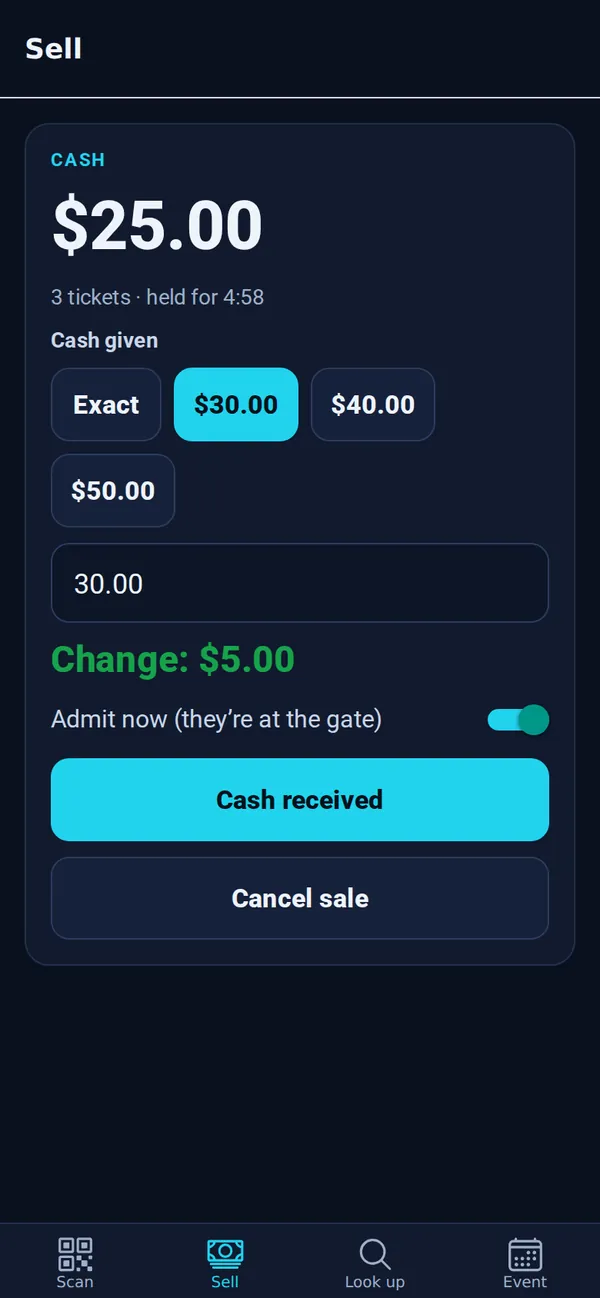
- Tap the amount they handed you (Exact, or a quick amount like $30.00), or type it. The app shows the Change to give back.
- Leave Admit now (they’re at the gate) on to check them in right away, then tap Cash received.
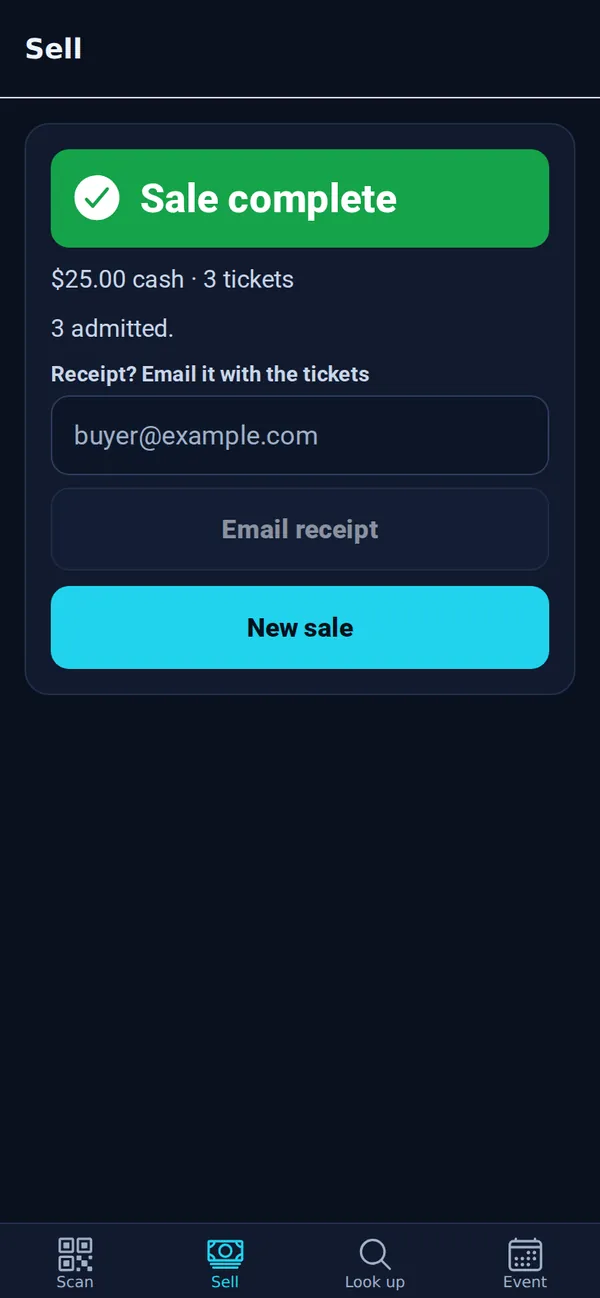
- Cash sales have no TixFlo fee and no card fee. The buyer pays the ticket price.
- Tickets are held for 5 minutes while you take payment. If time runs out they go back on sale; just start a new sale.
- No email? That’s fine. The sale shows in your attendee list as “Gate sale (no email)”.
Good to know: Changed your mind before taking the money? Tap Cancel sale. To refund a completed sale, ask an owner or admin; refunds aren’t done in the app.