Get started with the TixFlo Game Day app
The phone app for the gate: scan tickets, sell at the door and look up buyers.
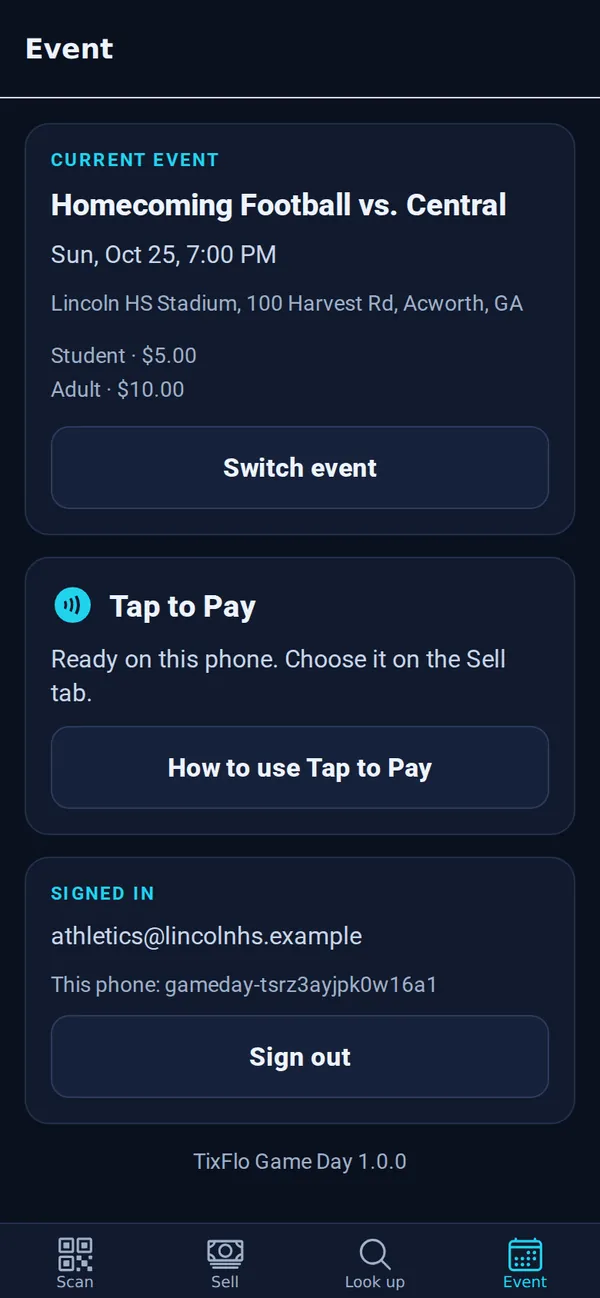
TixFlo Game Day turns a phone into your whole gate: a ticket scanner, a box office for cash and card sales, and a way to look up anyone’s tickets. It has four tabs: Scan, Sell, Look up and Event.
Who can use it
- People invited to your organization as Gate staff (see Invite co-admins and gate staff).
- Owners and admins of the organization.
Install the app
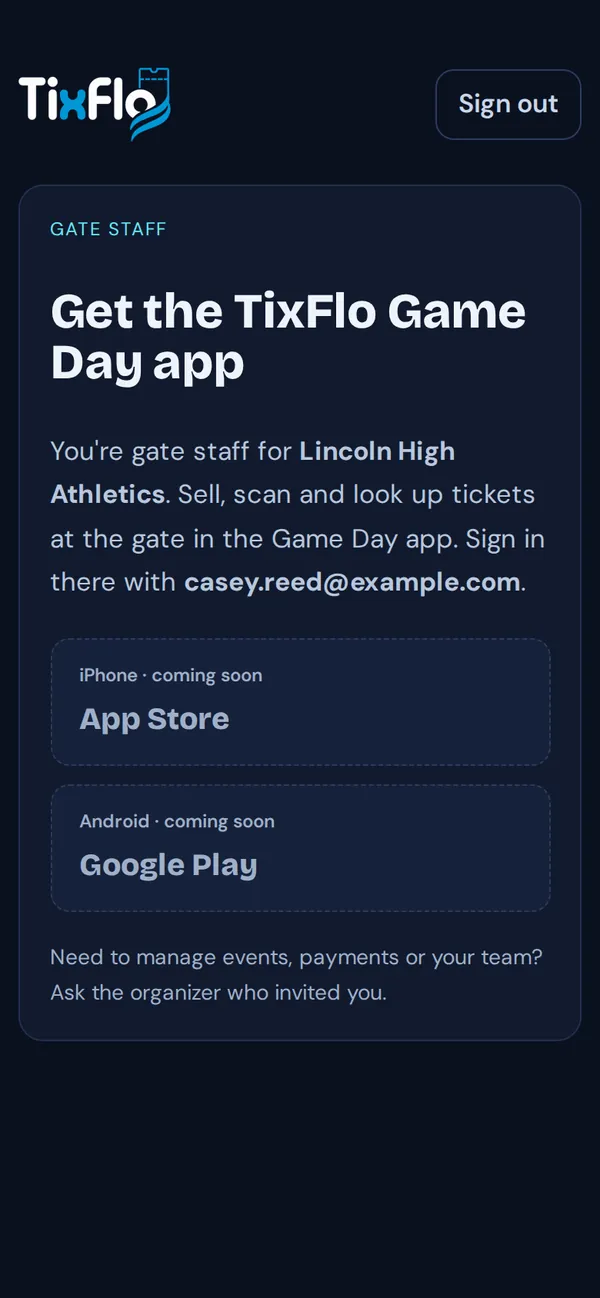
Game Day is coming soon to the App Store and Google Play. Gate staff who sign in at tixflo.net/organizer see a page with the store links as soon as they’re live.
Sign in and pick your event
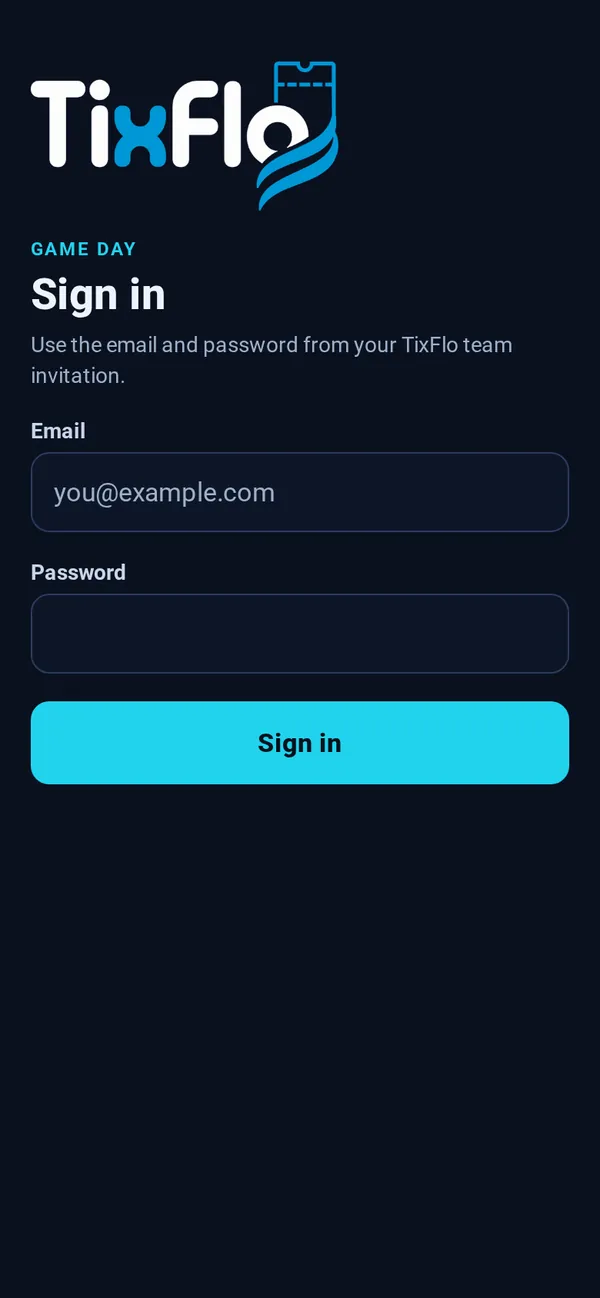
- Open the app and sign in with the email and password from your TixFlo team invitation.
- Choose the event you’re working. The list shows published events today and this week, with tickets left.
- You land on Scan, ready to go. To change events later, open the Event tab and tap Switch event.
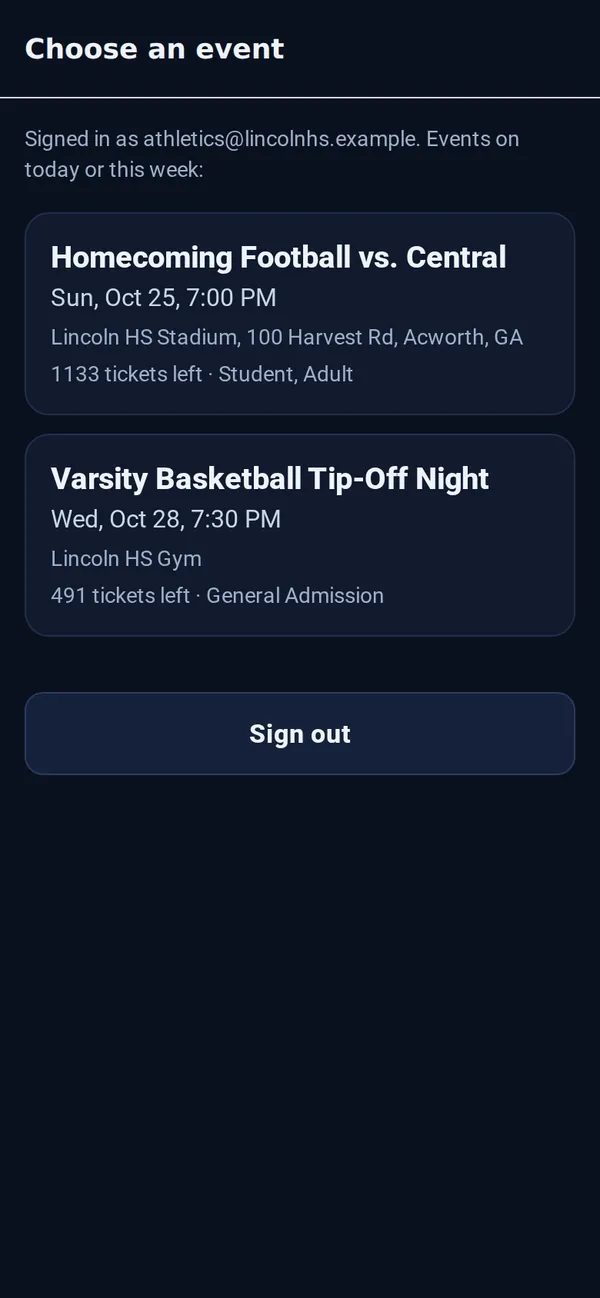
Tip: Don’t see your event? It has to be published and happening today or this week. Pull down on the list to refresh.