Look up a buyer and resend their tickets
Find tickets by email or ticket code, see who’s checked in and resend the email.
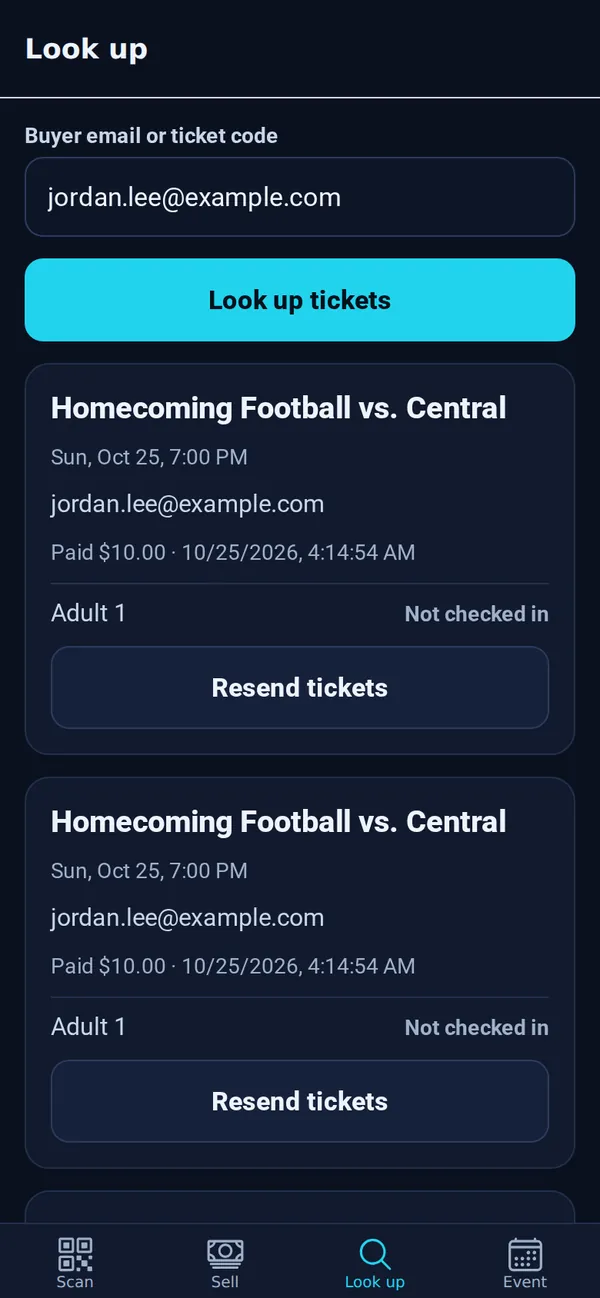
- Open the Look up tab.
- Type the buyer’s email or the ticket code and tap Look up tickets.
- You’ll see each order, what they paid and whether each ticket is checked in.
- Tap Resend tickets to email them again.
Tip: Buyers can also get their tickets themselves at tixflo.net/tickets.