Let the buyer pay on their own phone
Show a QR code; the buyer scans it and pays by card or Cash App on their phone.
No Tap to Pay on this phone? You can still take cards. The buyer pays on their own phone.
- On Sell, pick the tickets and tap Card on buyer’s phone.
- Enter the email to send the tickets to.
- Have the buyer scan the QR code with their phone’s camera and pay. Your screen updates by itself when they’re done.
- Admit them now, or let them scan in later.
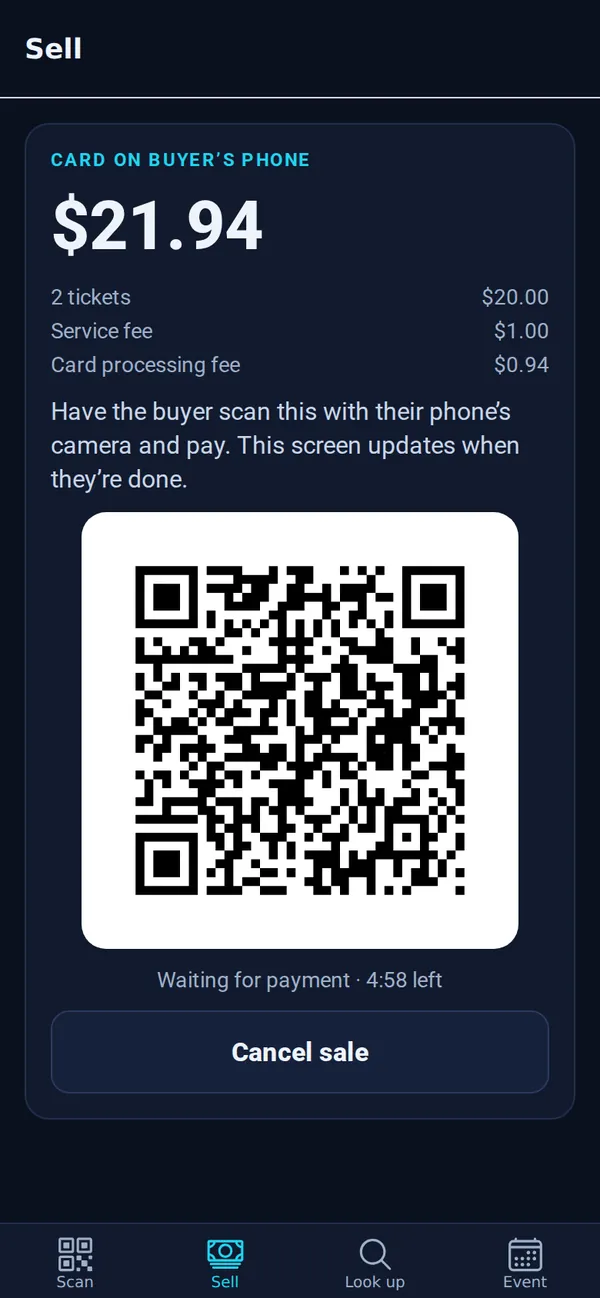
Good to know: The tickets are held for 5 minutes while the buyer pays. If they don’t finish, the tickets go back on sale.