Account settings, security and deleting your account
Change payment setup, find scanner tools, reset your password, sign out or delete your account.
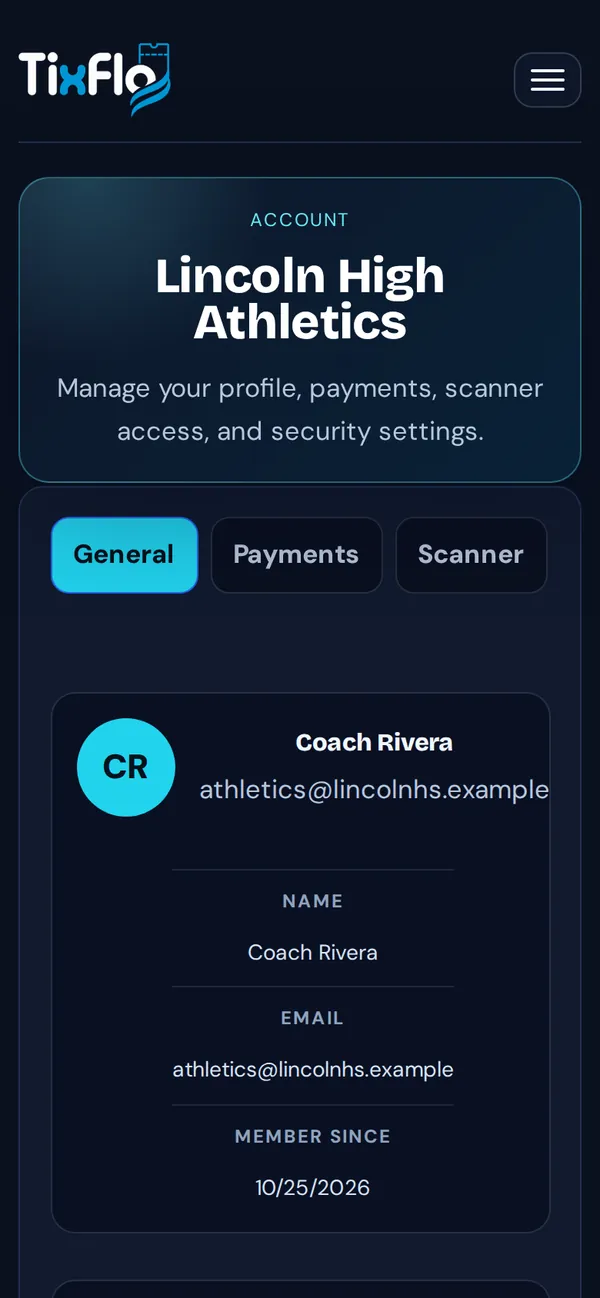
Open the menu (☰ on a phone, your initials on a computer) and choose Account. The tabs:
- General: your name, email and shortcuts.
- Payments: the same payment setup as the dashboard. See Connect Square.
- Scanner: open the Admin scanner, or go to event actions to make scanner links.
- Security: Send password reset link and Sign out.
- Organization: which payment processor is active, your events and your role.
Delete your account
Use the account deletion form. Choose the kind of account (organizer, Game Day app staff, or ticket buyer) and tap Request account deletion. We confirm by email.