Connect Square
Use your Square seller account for checkout, Cash App Pay and Tap to Pay in the Game Day app.
Square is the best choice if you want to take cards at the gate with Tap to Pay in the Game Day app. Online buyers can pay by card, Apple Pay, Google Pay or Cash App on Square’s checkout page. Ticket money goes straight to your Square account.
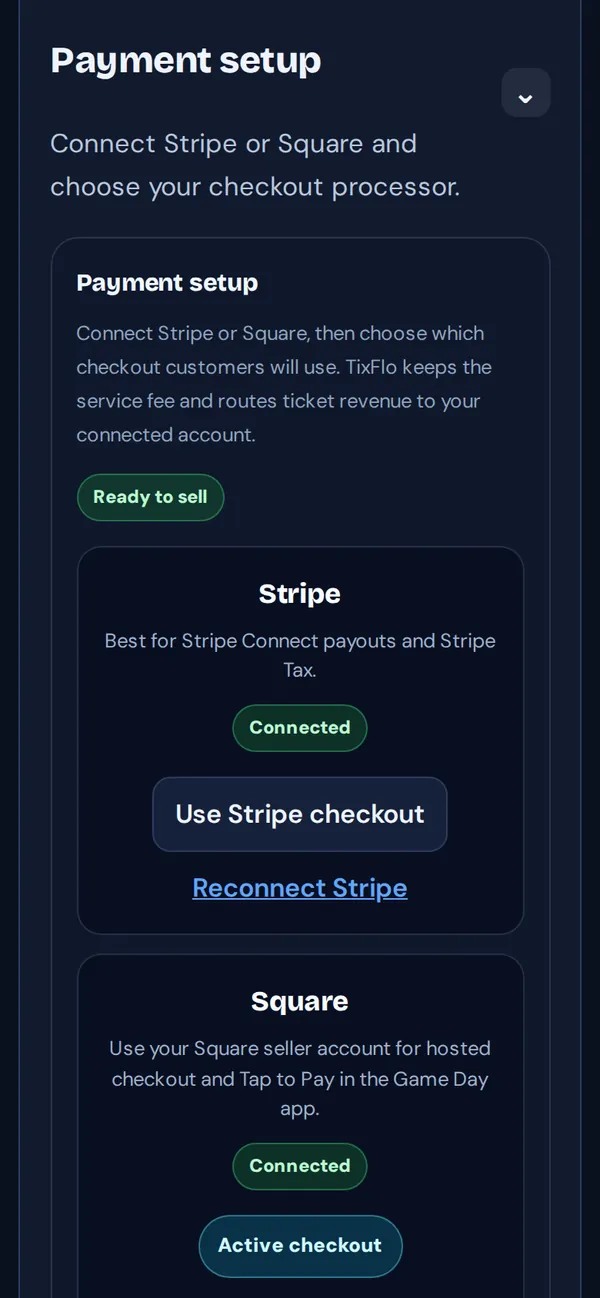
- On your dashboard, tap Payments (or go to Account → Payments).
- On the Square card, tap Connect Square.
- Sign in to Square with your seller account and approve TixFlo’s payment permissions.
- You come back to TixFlo. Tap Use Square checkout so buyers pay with Square.
Turning on Tap to Pay
If the Game Day app says Square needs to be reconnected, tap Payments → Reconnect Square on your dashboard and approve Square’s permissions again. Then set it up on a phone: Take cards with Tap to Pay.
Good to know: Tap to Pay needs Square as your checkout processor. It isn’t available if your tax setting uses Stripe Tax.
Tip: If Square checkout ever fails for buyers, Reconnect Square usually fixes it.